Choosing a gaming mouse: grip, weight, wireless and buttons
Choose a gaming mouse by your hand and your games: shape and weight matter more than the highest DPI number on the box.

Popular picks from this guide
- Go to Bol.com
-
Razer Basilisk V3 gaming mouse, RGB, programmable, 26.000 DPIGo to Bol.com
From €34.90 · at 6 shops
Lowest in 90 days
-
Razer DeathAdder V3 Hyperspeed wireless gaming mouse, ergonomic, ultra light, 26.000 DPIGo to Bol.com
From €67.90 · at 5 shops
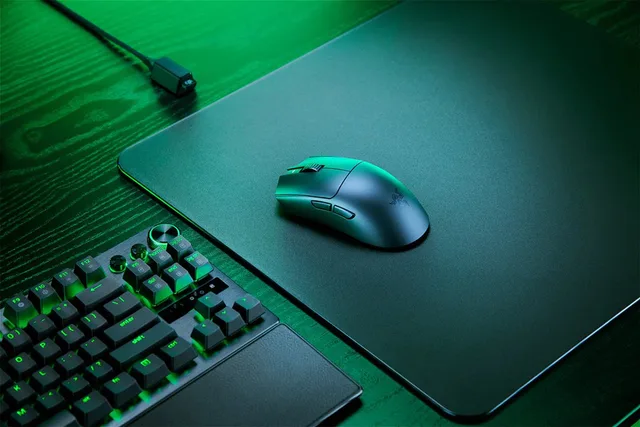
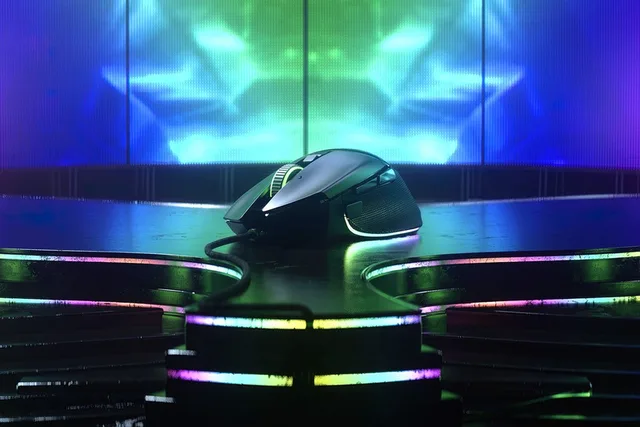
Popular products at today's lowest price. Compare every shop on the product page.
Short answer: Choose a gaming mouse by its shape and the size of your hand first, then by weight. For fast shooters many players pick a light mouse, for MMOs and strategy a mouse with extra buttons. Wireless with a USB receiver works just as well for gaming as a cable, and you do not need to choose by the highest DPI number.
You hold a mouse for every gaming session, so above all it has to sit well in your hand. Here is what to look for, with examples from our mice. GameCrew does not test mice itself: the details come from the manufacturers and the product names.
Shape and grip
People hold a mouse in one of three ways. Check which one you use first.
- Palm grip: your whole hand rests on the mouse. A larger, rounded mouse feels comfortable then, like the Razer DeathAdder V3 HyperSpeed or the Logitech G502 HERO.
- Claw grip: your palm only touches the back and your fingers are arched. A medium-sized mouse with a high back often works well.
- Fingertip grip: only your fingertips touch the mouse. A small, light mouse is easiest to move then, like the Razer Basilisk Mobile, which Razer calls compact.
Look at left or right too. An ergonomic mouse is usually shaped for the right hand, like the DeathAdder and the G502. A symmetrical (ambidextrous) mouse works for both hands, like the Corsair M75 Wireless and the Corsair Sabre v2 Pro. If you play left-handed, there are also mice made for the left hand, like the Razer Naga Left-Handed Edition.

Weight
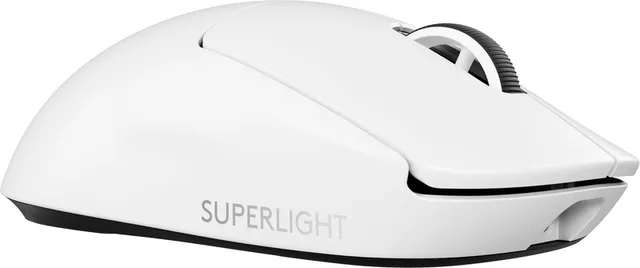
The lighter the mouse, the less force you need to move it quickly and stop it again. That is why many mice for shooters are light. Manufacturers often put the weight in the name: the Attack Shark wireless gaming mouse lists 49 grams and the SteelSeries Aerox 5 Wireless 74 grams. The Logitech G Pro X Superlight 2 and the Logitech G305 X Superlight carry their low weight in the name already.
A heavier mouse is no drawback if you play at a calmer pace or want a mouse with lots of buttons. Some players find a bit of weight more precise. There is no right or wrong: if you can, try a friend's mouse or one in a shop.
Light and compact mice
- Attack Shark
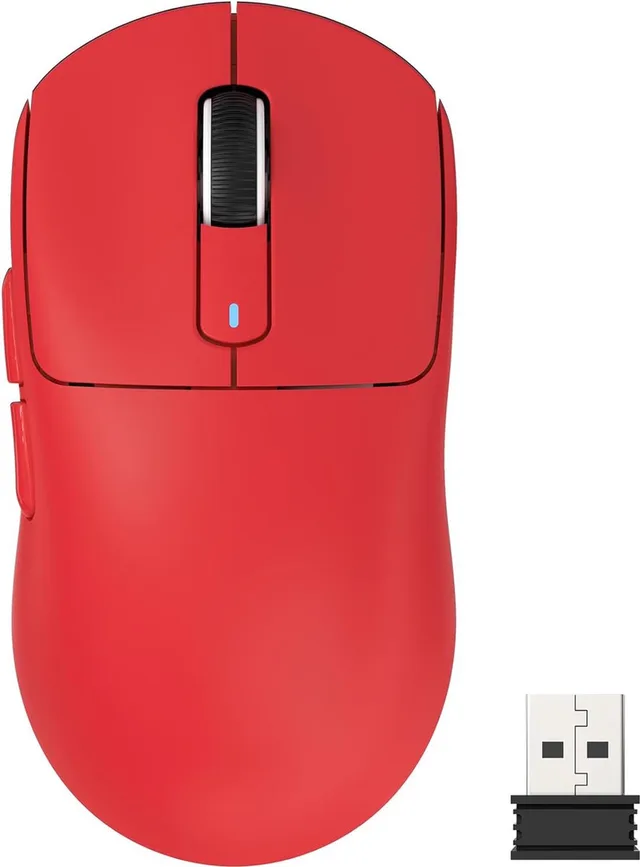
Draadloze Gaming Muis - Wired/2.4G/BT5.4 - Lichtgewicht 49G
From €41.92 · at 1 shop
- SteelSeries
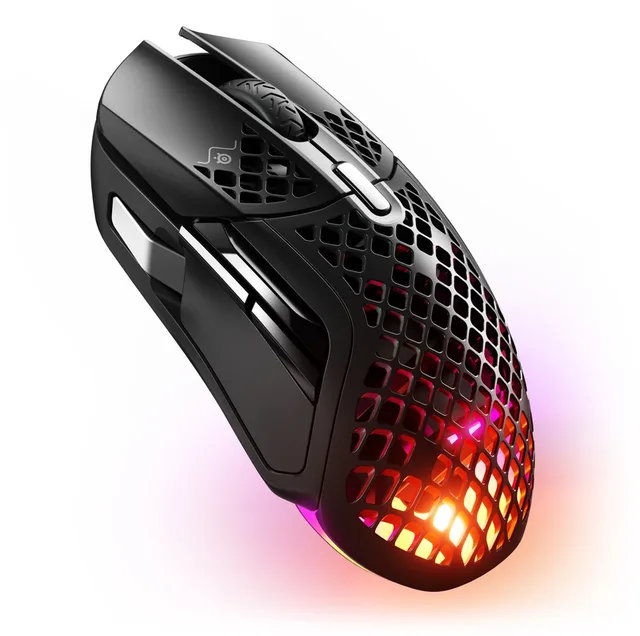
Aerox 5 Wireless - Gaming Muis - Ultralicht 74g
€79.95 · at 1 shop
- Logitech G
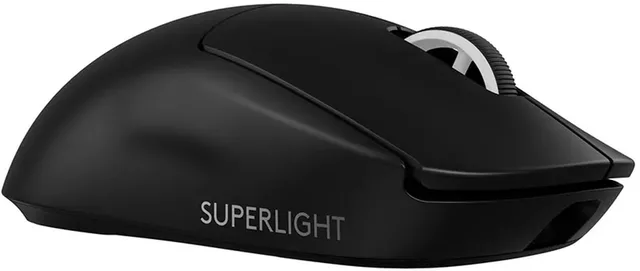
Pro X Superlight 2 - Draadloze Gaming Muis - Lightspeed
From €99 · at 3 shops
- Logitech G
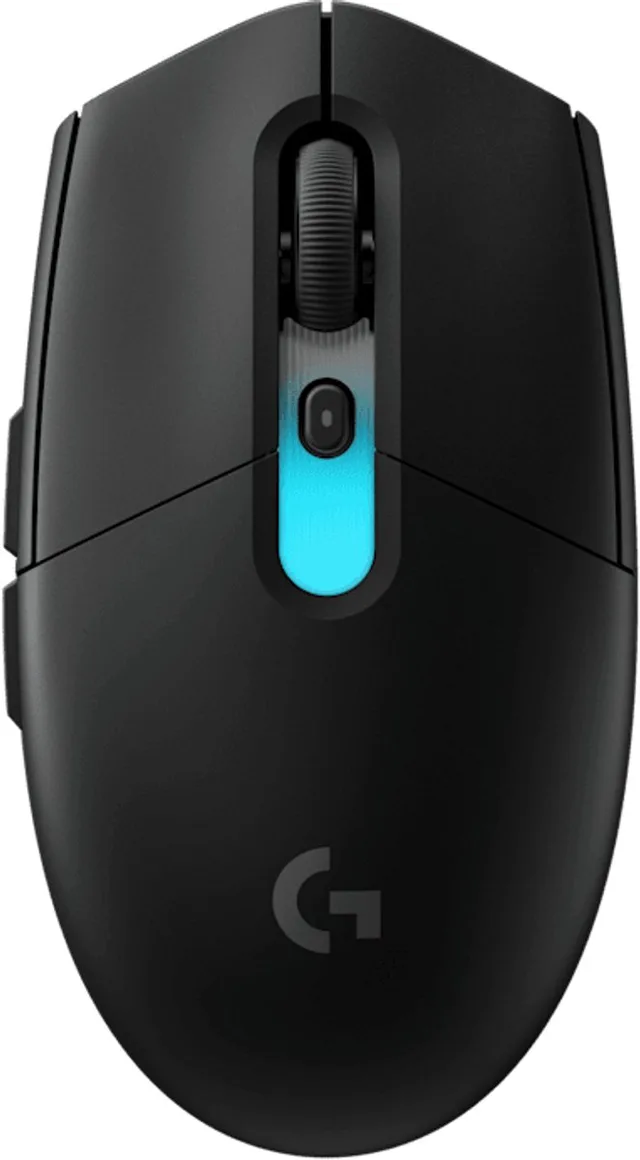
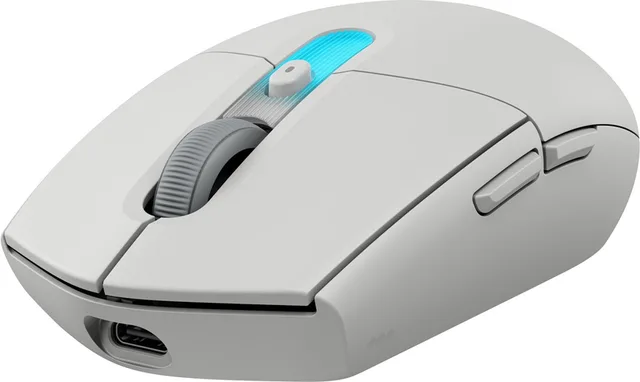
G305 X SUPERLIGHT - Draadloze Gaming Muis - Lichtgewicht
From €68.69 · at 5 shops
- Razer
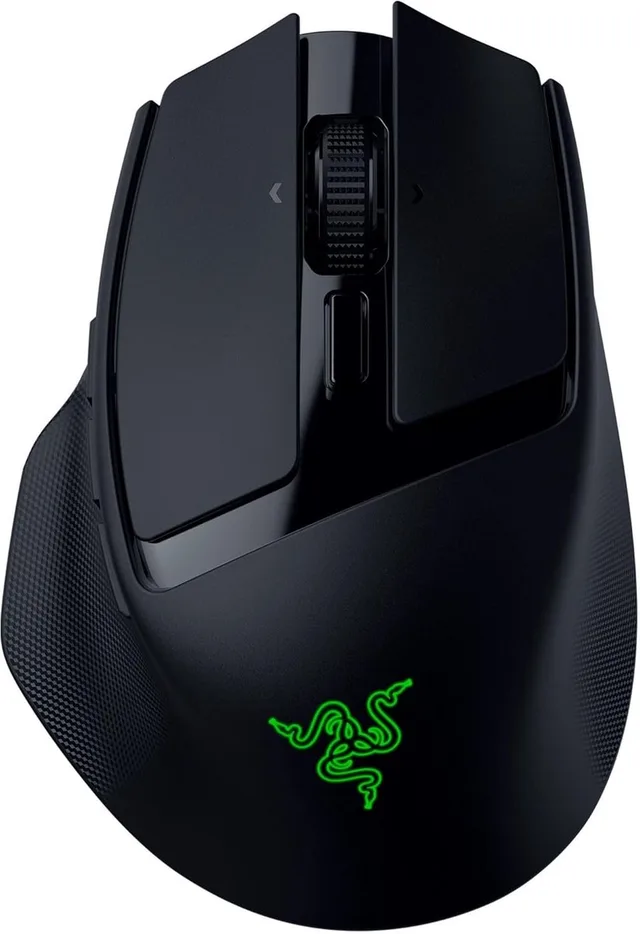
Basilisk Mobile - Draadloze Gaming Muis - RGB
From €84.95 · at 4 shops
Lowest in 90 days
Wireless or wired
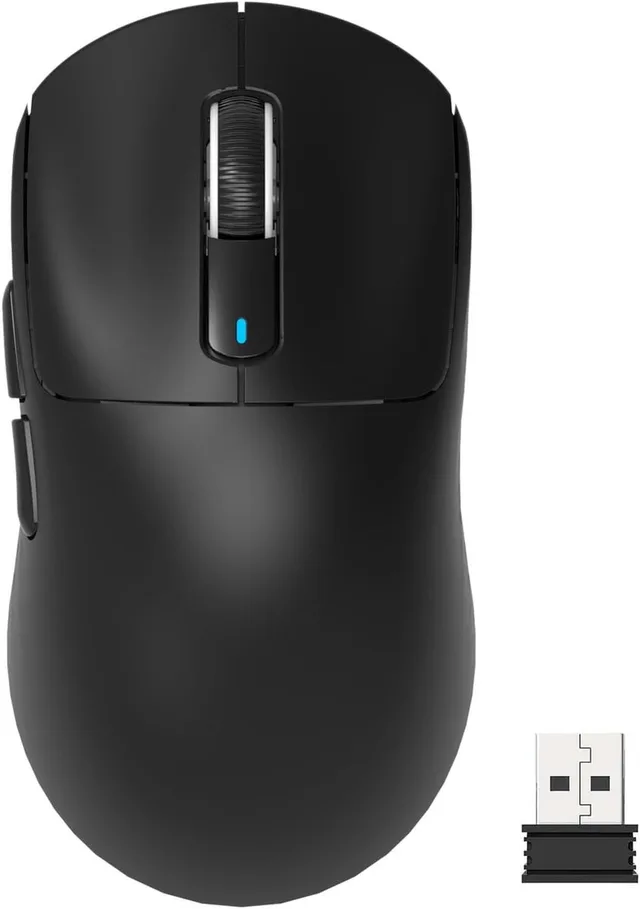
Wireless gaming mice use their own 2.4 GHz USB receiver. Logitech calls it LIGHTSPEED, Razer HyperSpeed. That connection is made for gaming. Many mice also have Bluetooth, for example the Logitech G305 X Superlight. Bluetooth is handy for work or on a laptop on the go. For games, use the receiver.
Wireless means charging or changing batteries. The manufacturer lists how long each mouse lasts. A wired mouse never needs charging and is often cheaper for the same shape, like the Razer DeathAdder Essential and the Logitech G502 HERO.
Sensor, DPI and polling rate
The sensor measures how far you move the mouse. The box lists DPI (or CPI): how many steps the mouse counts per inch of movement. The Razer DeathAdder Essential lists 6,400 DPI, the Logitech G502 HERO 25,600 DPI. A high number sounds good, but you set the sensitivity yourself in the software, and most players use a value far below the maximum. So you do not need to choose a mouse by its highest number.
The polling rate is how many times per second the mouse reports its position to the PC. 1000 Hz is common for gaming mice. Razer lists up to 8000 Hz for some of its mice. You notice that mostly on a screen with a high refresh rate, and it uses more battery.
Extra buttons for MMO and strategy
In MMOs and strategy games you use a lot of shortcuts. A mouse with a button panel on the side puts them under your thumb. The Razer Naga V2 HyperSpeed lists 19 programmable buttons, the SteelSeries Aerox 9 18. For shooters two thumb buttons are usually enough, and a lighter mouse is handier then.
For MMO, wired, ergonomic or symmetrical
- Razer
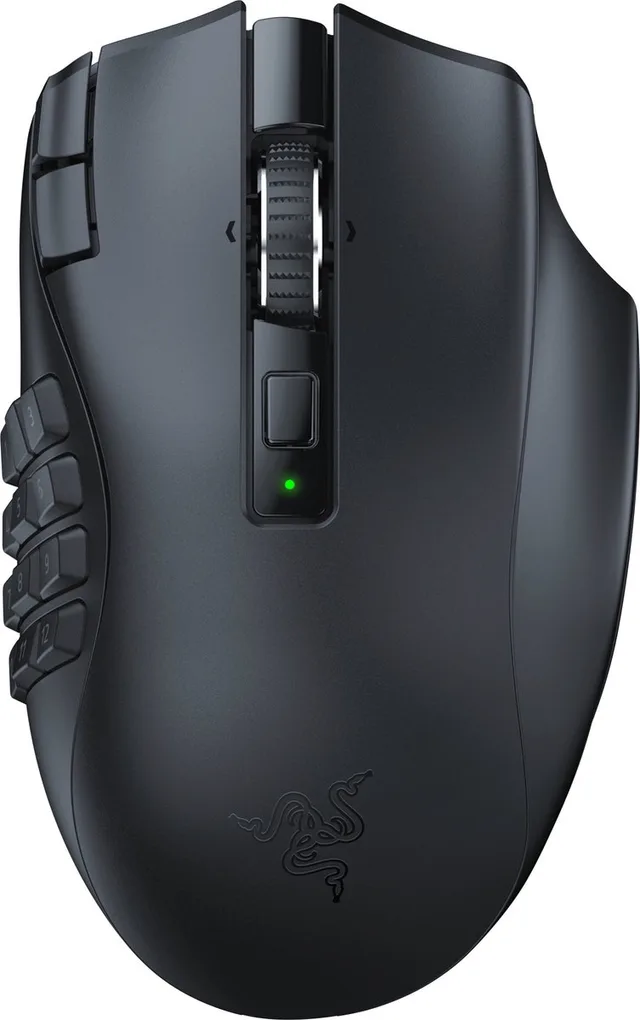
Naga V2 HyperSpeed - Draadloze MMO Gaming Muis
From €69.95 · at 7 shops
Lowest in 90 days
- SteelSeries
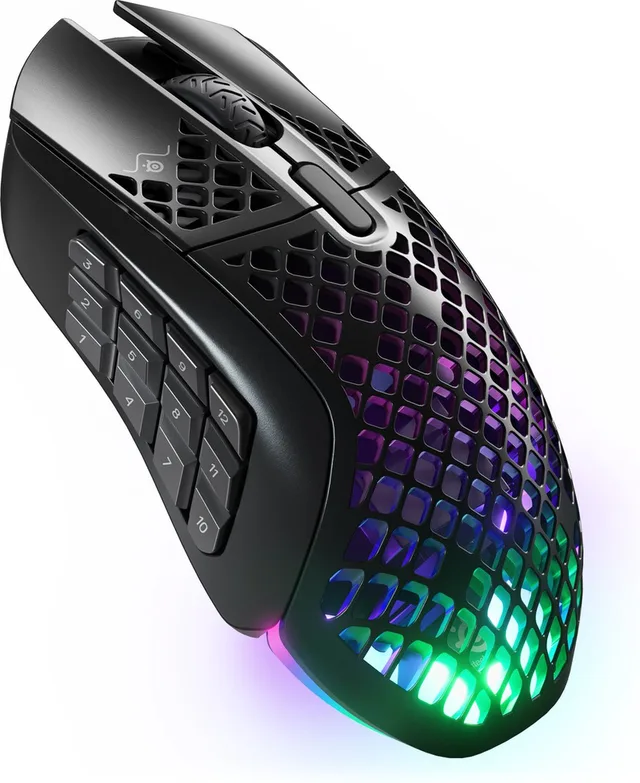
Aerox 9 wireless MMO gaming mouse, 18 programmable buttons, black
From €99 · at 4 shops
Lowest in 90 days
- Razer
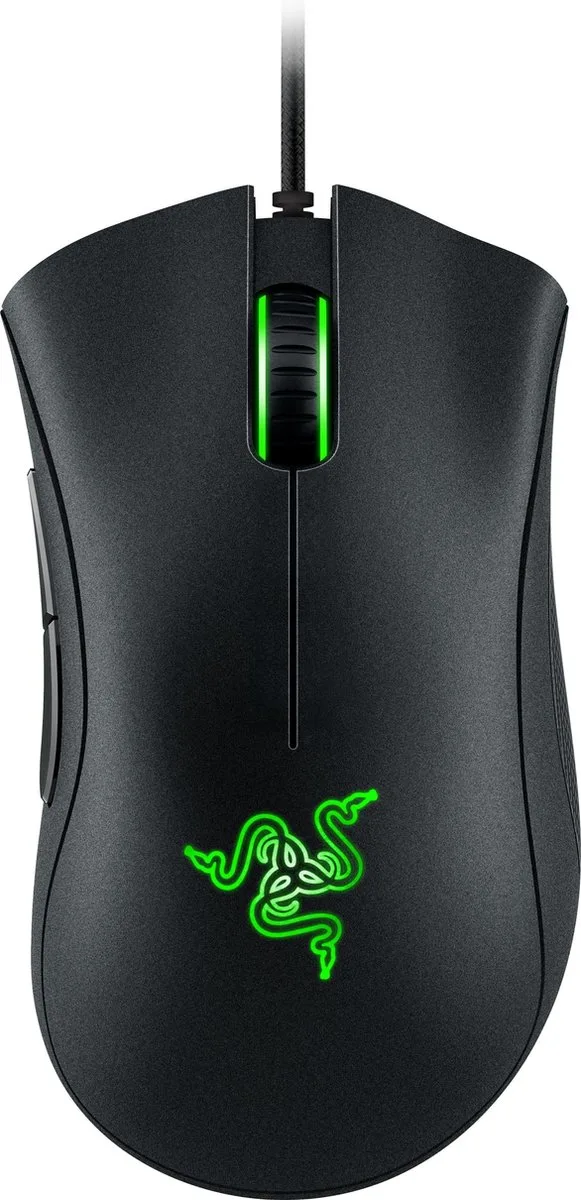
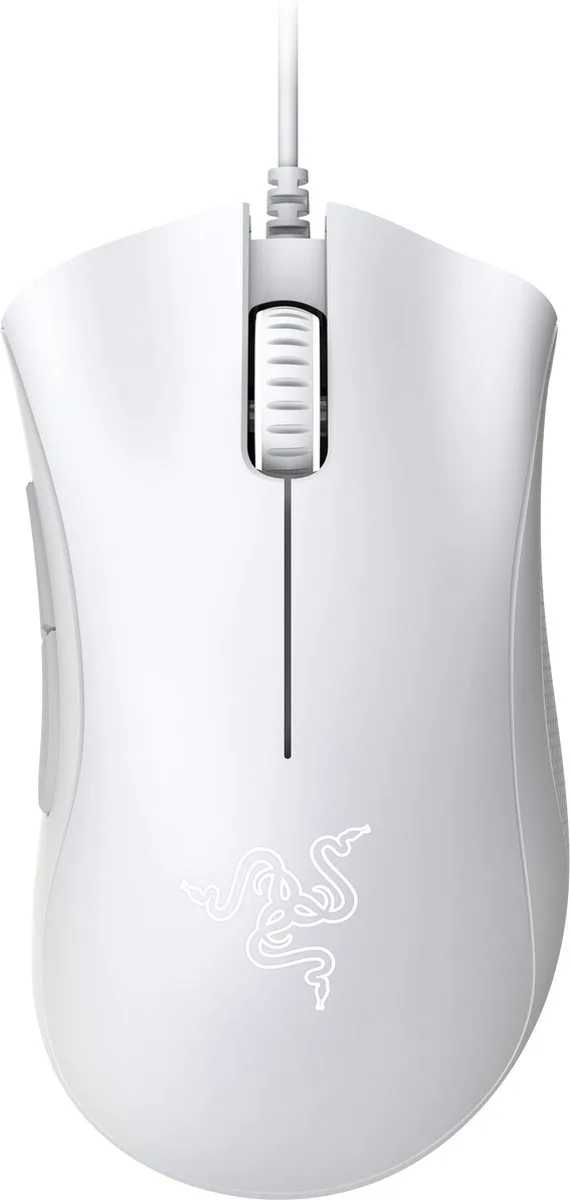
DeathAdder Essential wired gaming mouse, ergonomic, programmable, 6.400 DPI, optical
From €24.90 · at 5 shops
- Logitech G
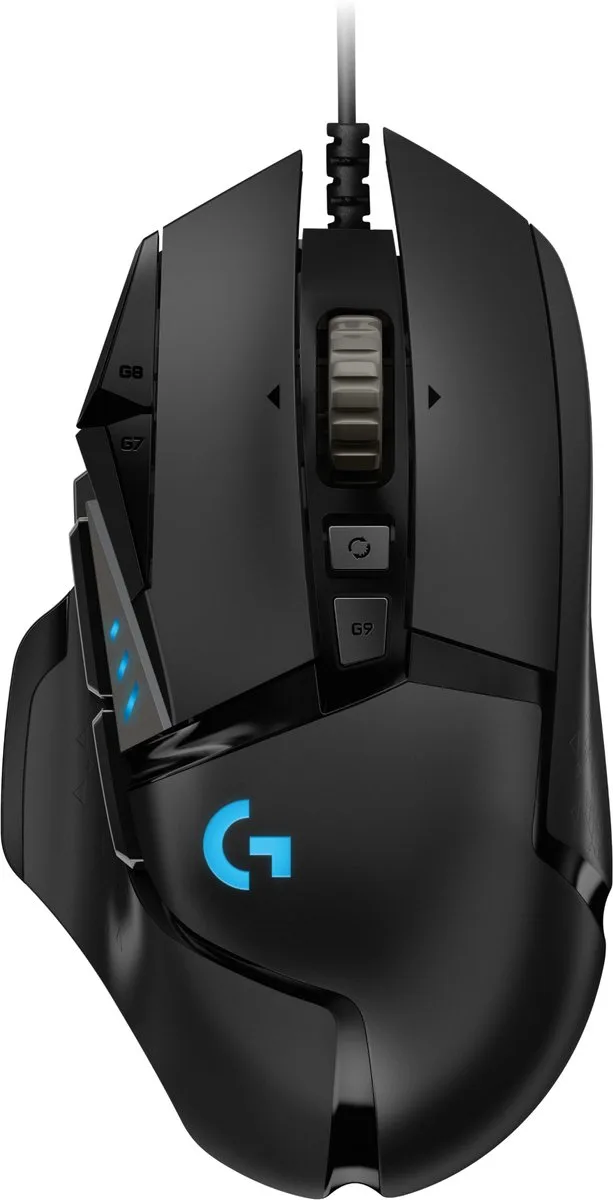
G502 HERO - Bedrade Gaming Muis - 25.600 DPI - Rechtshandig
From €34.99 · at 4 shops
- Razer
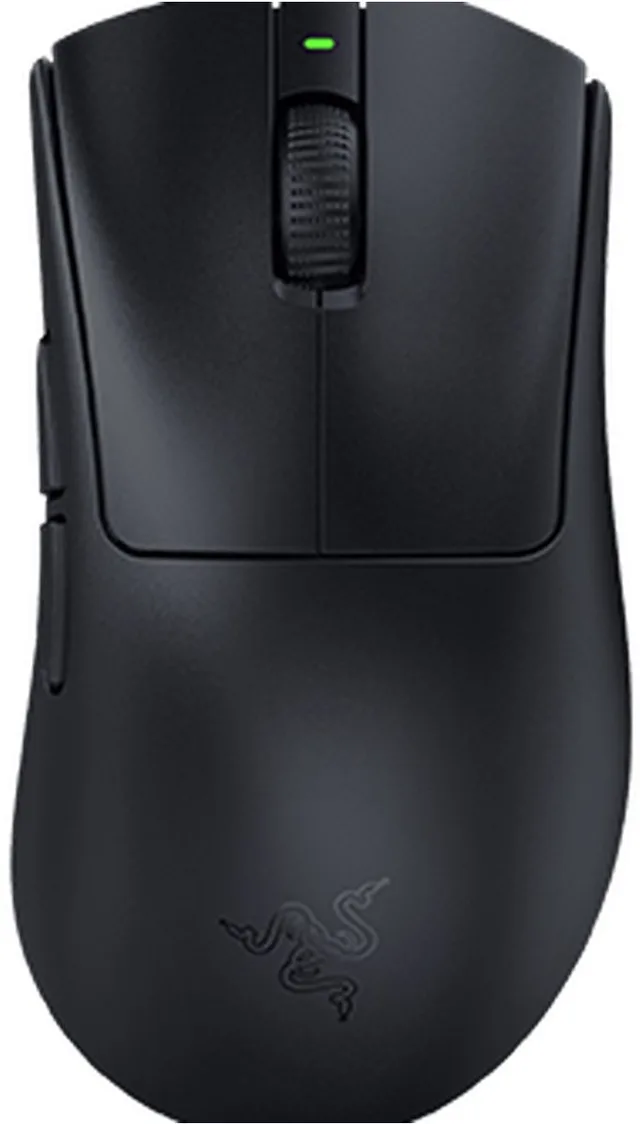
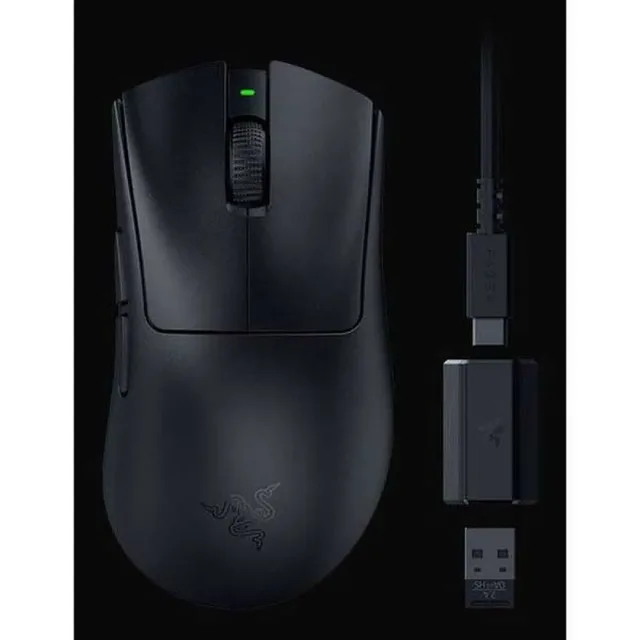
DeathAdder V3 Hyperspeed wireless gaming mouse, ergonomic, ultra light, 26.000 DPI
From €67.90 · at 5 shops
- Corsair
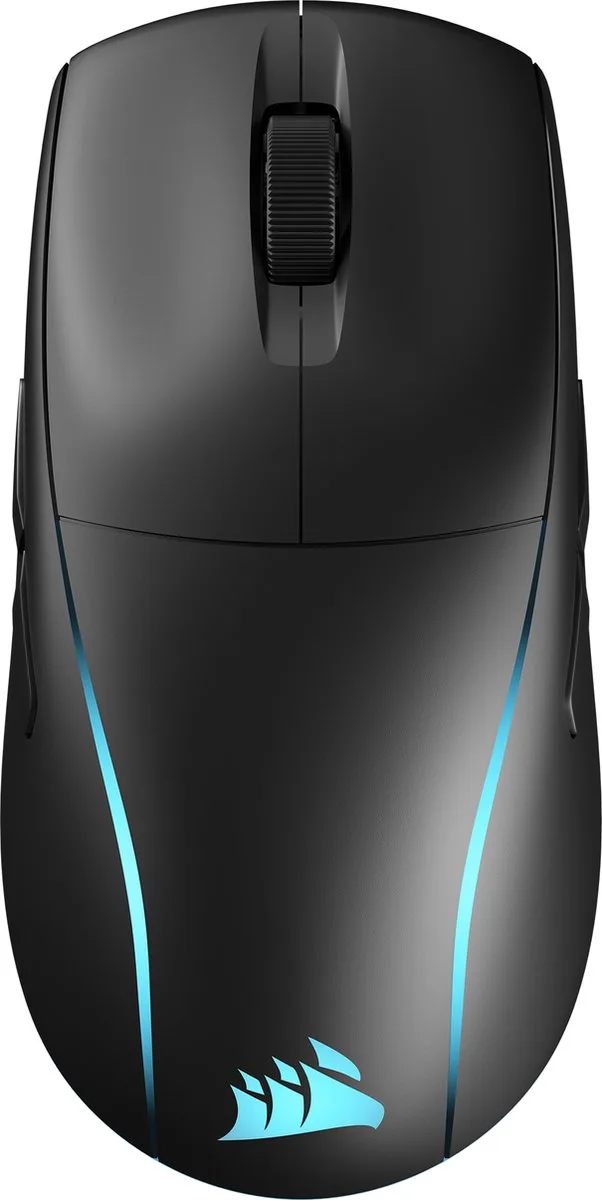
M75 muis Gamen Ambidextrous RF-draadloos + Bluetooth Optisch 26000 DPI
€150.81 · at 1 shop
- Corsair
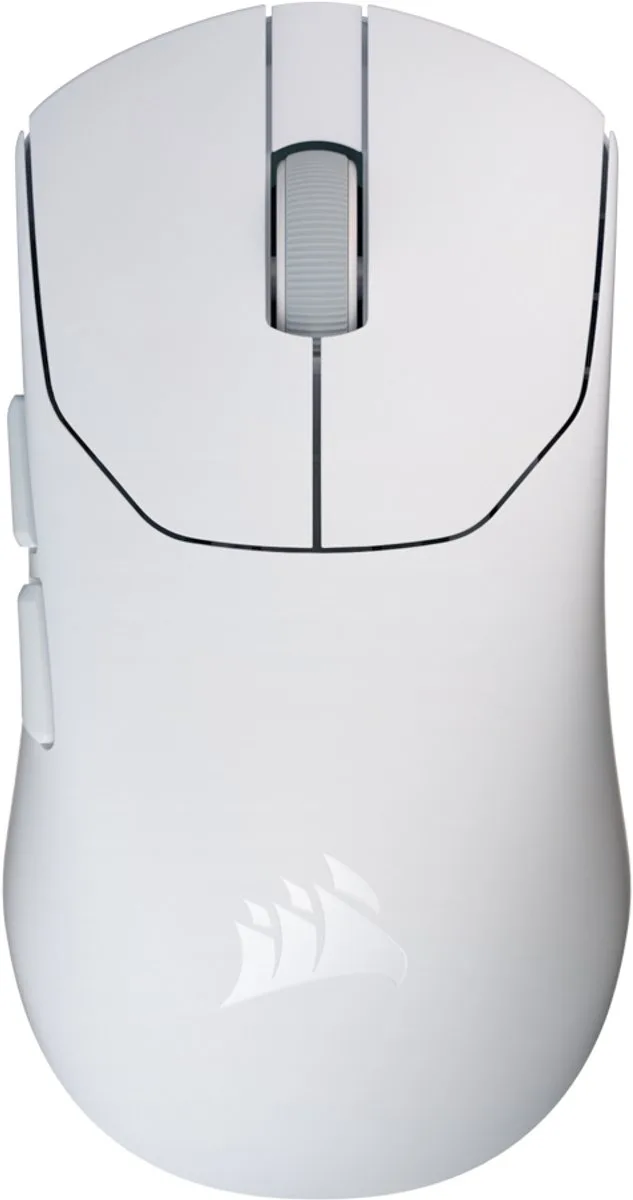
SABRE v2 PRO - Muis - Thuis Ambidextrous RF - Draadloos
From €109 · at 3 shops
Do not forget the mouse pad
A mouse only glides well on a flat surface. A cloth mouse pad gives more control, a hard pad glides faster. Look at our mouse pads for a size that matches how much room you need.
Frequently asked questions
Is a wireless mouse slow for gaming?
Not when you use the USB receiver that comes with gaming mice. That connection is made for gaming. Bluetooth is slower and meant for work or travel.
How much DPI do I need?
Less than you think. You set the sensitivity yourself, and most players use a value far below the sensor's maximum. Choose a mouse by shape and weight, not by the highest DPI number.
How heavy should a gaming mouse be?
That is personal. For fast shooters many players choose a light mouse. If you want many buttons, the mouse will be somewhat heavier. If you can, try several mice in your hand.
Are there gaming mice for left-handed players?
Yes. Symmetrical mice work for both hands, like the Corsair M75 Wireless. There are also mice made for the left hand, like the Razer Naga Left-Handed Edition.
Keep browsing
GameCrew does not test products. This guide sums up what manufacturers and publishers state. Always check the manufacturer for the details.
Products from this guide
Popular products with a current shop price. Compare the prices on the product page.
- Razer
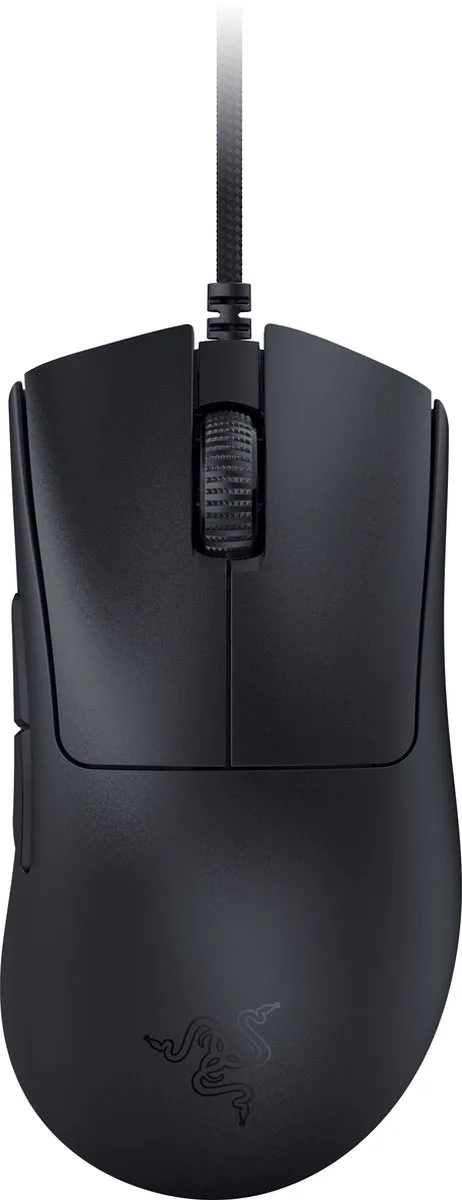
DeathAdder V3 - Gaming Muis - 30.000 DPI - Ultra Licht
From €49.95 · at 5 shops
Lowest in 90 days
- Razer
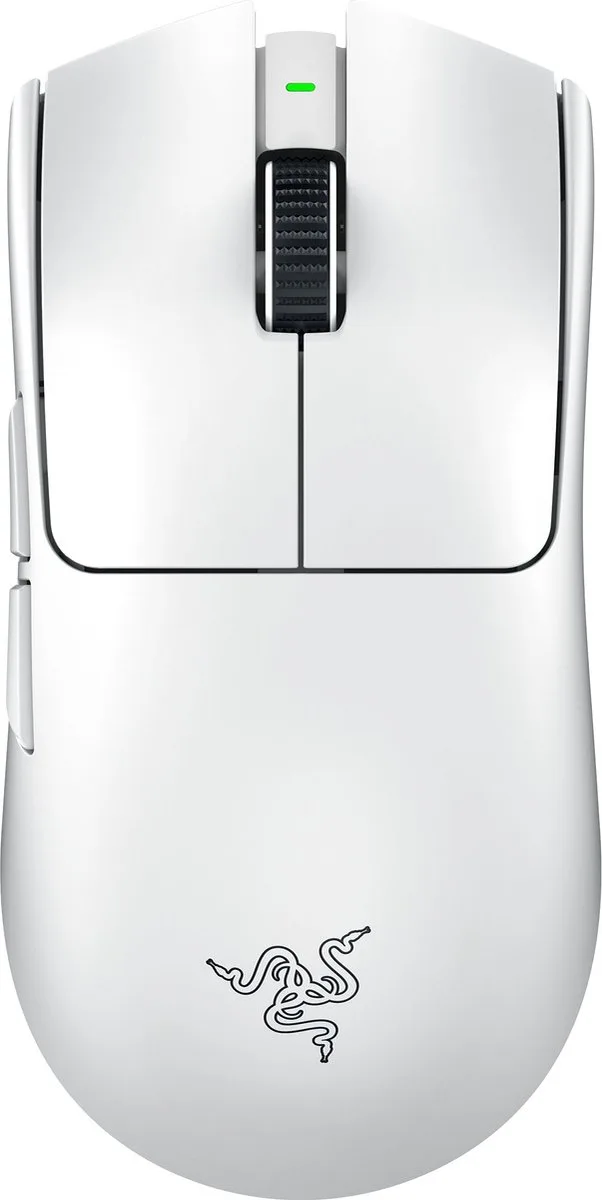
Viper V3 Pro - Draadloze Gaming Muis - 35.000 DPI
From €104.90 · at 5 shops
Lowest in 90 days
- Logitech G
Pro X Superlight 2 - Draadloze Gaming Muis - Lightspeed
From €99 · at 3 shops
- SteelSeries
Aerox 9 wireless MMO gaming mouse, 18 programmable buttons, black
From €99 · at 4 shops
Lowest in 90 days
- Razer
DeathAdder Essential wired gaming mouse, ergonomic, programmable, 6.400 DPI, optical
From €24.90 · at 5 shops
More guides
- Gifts for gamers: ideas for Sinterklaas and Christmas A game, a second controller, a headset or something small: how to choose a gift that fits the gamer's console. Read the guide
- Buying a gaming PC: graphics card, processor and size Which gaming PC suits your screen and your desk? The graphics card, video memory, X3D processors, case size and upgrading explained. Read the guide
- Choosing a gaming monitor: resolution, Hz and panel Which gaming monitor suits your PC or console? Resolution, refresh rate, IPS, VA and OLED, and HDMI 2.1 explained. Read the guide



- Guide Choosing a gaming keyboard: membrane or mechanical?
- Guide Choosing a gaming chair: what to look for
- Guide Choosing a racing wheel: force feedback, console and pedals
- Guide Choosing a controller: PS5, Xbox, Switch 2 or PC
- Guide Choosing a gaming headset: wired, wireless and console
- Guide Choosing a gaming laptop: graphics card, screen, cooling and weight
- Guide PS5, Xbox or Switch 2: which console suits you?