Choosing a gaming keyboard: membrane or mechanical?
Membrane or mechanical, which switch and which size: how to pick a gaming keyboard that suits your games and your desk.

Short answer: A membrane keyboard is cheaper and softer, but every key feels much the same. A mechanical keyboard has its own switch under each key, so you choose how a press feels: linear, tactile or clicky. If you play a lot of fast shooters, also look at magnetic or analogue switches with an adjustable actuation point. Then pick a size (with or without a number pad) and a layout; in the Netherlands that is usually US International.
A gaming keyboard lasts for years, so it pays to think about what you actually use. Below are the main differences, with examples from our gaming keyboards.
Membrane or mechanical
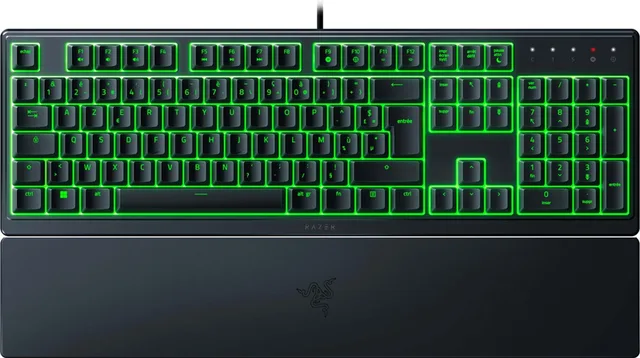
On a membrane keyboard, each key presses down a small rubber dome that closes a contact on a sheet underneath. Typing feels soft and is usually quieter, and these keyboards tend to cost less. The downside: every key feels the same and less precise, and you cannot swap individual switches.
A mechanical keyboard has a separate spring-loaded switch under every key. You feel more clearly when a key registers, and you choose the switch type that suits you. Many models also have sturdier keycaps and more settings in their software.
| Membrane | Mechanical | |
|---|---|---|
| Feel | soft, the same on every key | depends on the switch type |
| Sound | usually quiet | from quiet (linear) to loud (clicky) |
| Price | often lower | often higher |
| Swappable switches | no | yes, on hot-swap models |
Membrane keyboards
- SteelSeries
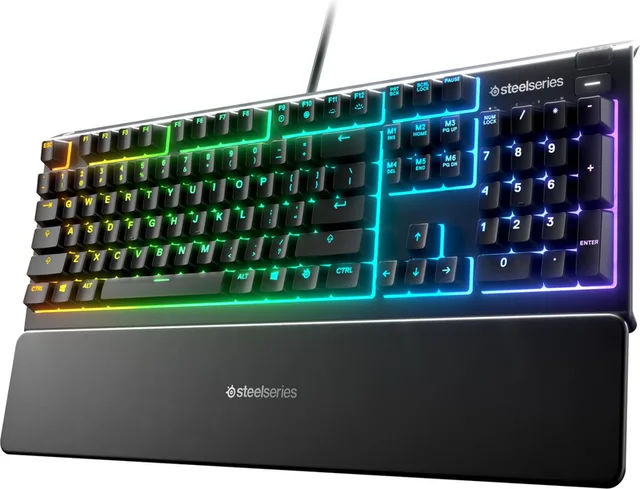
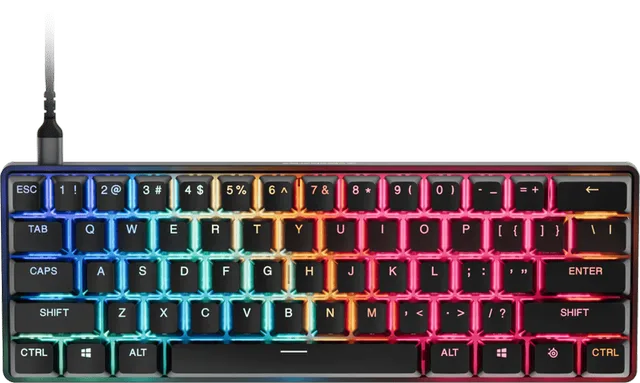
Apex 3 - Membraan Gaming Toetsenbord
From €54.90 · 2 offers
- Razer
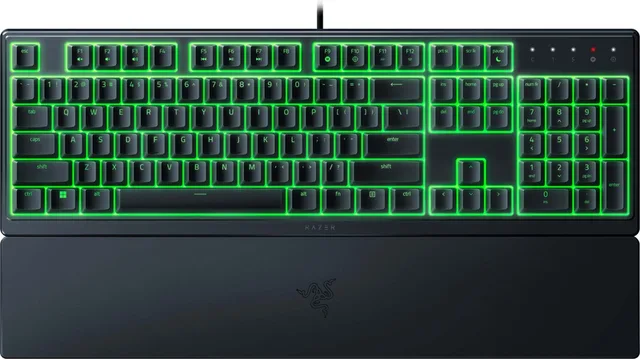
Ornata V3 X - Gaming Toetsenbord - RGB - Polssteun
From €39.99 · 4 offers
Switches: linear, tactile or clicky
With mechanical keyboards, the switch is what matters most. There are three main kinds:
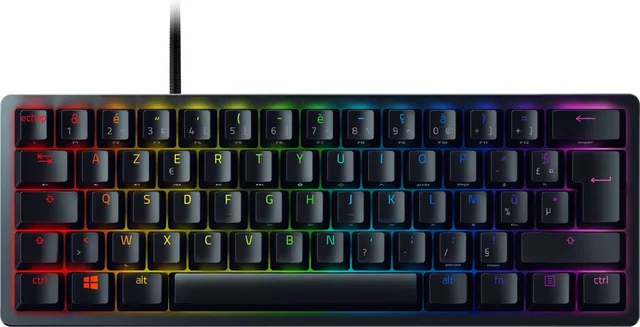
- Linear: the key travels down in one smooth motion, with no bump or click. Many gamers like this for fast, repeated presses. Often red, like the Red switch in the Razer Huntsman Mini.
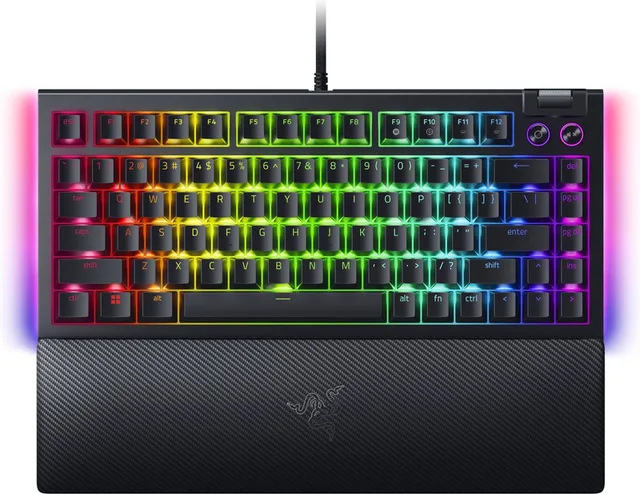
- Tactile: you feel a small bump at the point where the key registers, without a loud click. A good middle ground if you also type a lot. Logitech calls these "Tactile"; Razer's version is the Orange switch, found in the BlackWidow V4 75%.
- Clicky: a bump plus an audible click. Satisfying if you like it, but loud for housemates and on a headset mic. Razer's clicky switch is the Green switch, as in the BlackWidow V4 X.
Not sure? Linear or tactile switches are the safe choice. A keyboard's name often states its switch type. If it only gives a colour, check what that colour means with the manufacturer, as brands do not all use the same colours.
Linear, tactile and clicky
- Razer
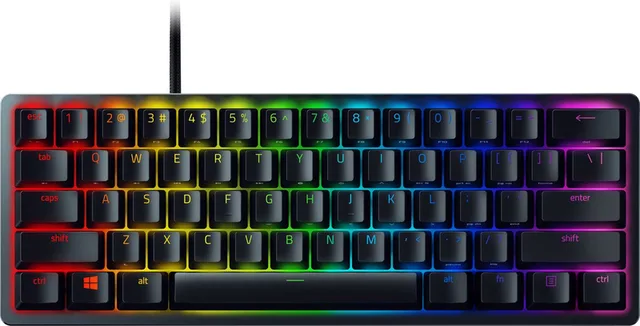
Huntsman Mini - Gaming Toetsenbord - Lineaire Red Switch - RGB - 60% Layout
From €69.83 · 4 offers
- Razer
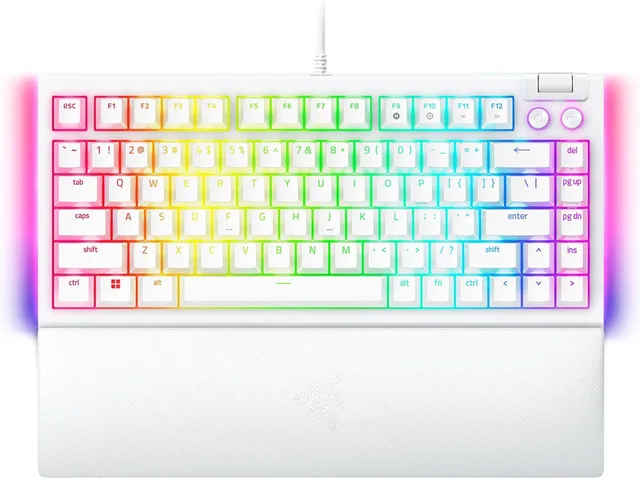
BlackWidow V4 75% - Mechanisch Gaming Toetsenbord - Orange Switch - RGB - Qwerty
From €176 · 6 offers
- Logitech G
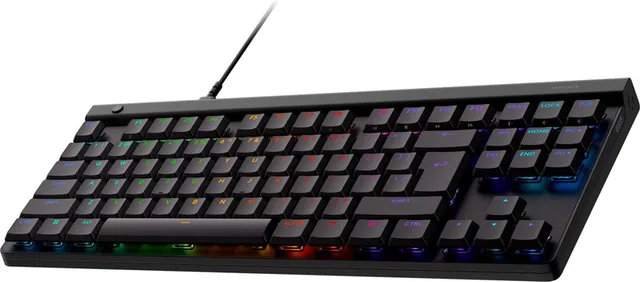
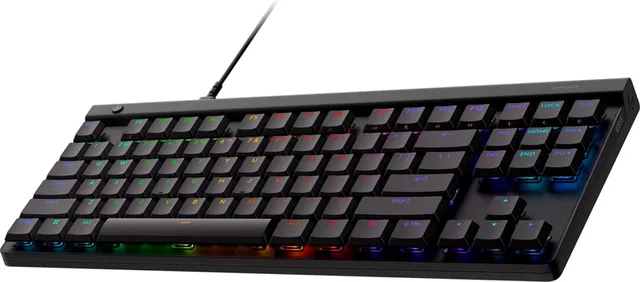
G515 Lightspeed TKL - Bedraad Gaming Toetsenbord - Tactile
From €73.95 · 4 offers
- Razer
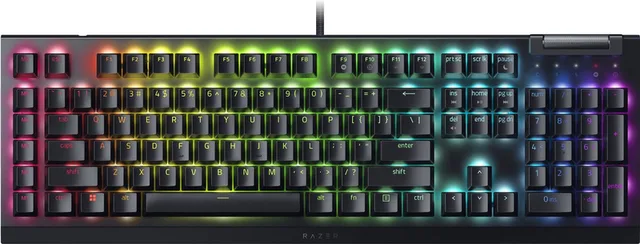
BlackWidow V4 X - Mechanisch Gaming Toetsenbord - Green Switch - RGB - Macrotoetsen
From €122.32 · 4 offers
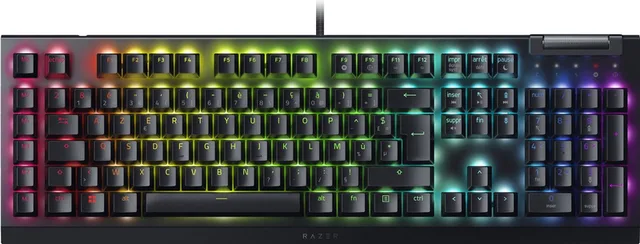
Optical and magnetic switches
Besides classic switches with a metal contact, there are newer types:
- Optical switches detect a press with a beam of light instead of a contact. Razer uses them in its Huntsman range.
- Magnetic switches (also called Hall effect) use a magnet and a sensor to measure how far a key is pressed. That lets you set the depth at which a key registers. It also enables rapid trigger: the key resets as soon as you let it rise a little, which helps when strafing back and forth in shooters.
Keyboards with adjustable switches include the SteelSeries Apex Pro Mini Gen 3, the Logitech G PRO X TKL Rapid and the Razer Huntsman V3 Pro Tenkeyless, which uses Razer's analogue optical switches. If you mainly play slower games or type a lot, you do not need this.
Adjustable actuation
- SteelSeries
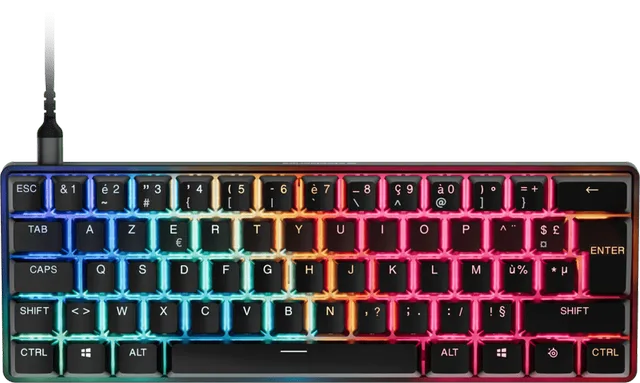
Apex Pro Mini Gen 3 Gaming Toetsenbord
€179 · 1 offer
- Logitech G
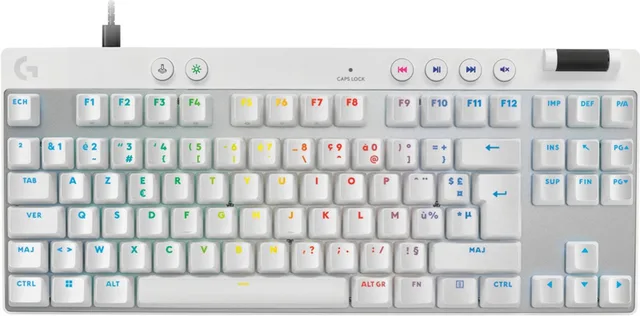
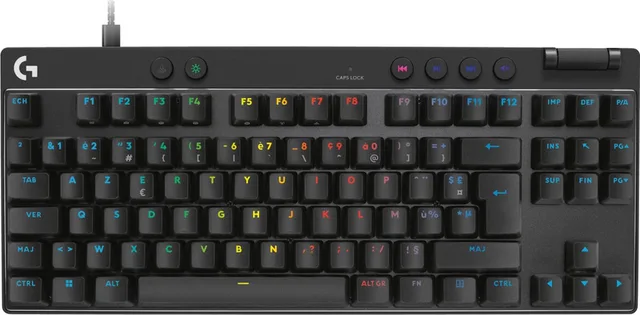
Pro X TKL Rapid - Bedrade Gaming Toetsenbord
From €149 · 4 offers
- Razer
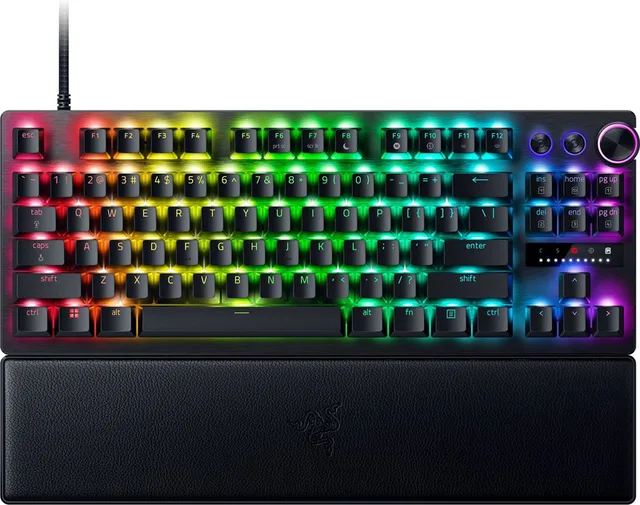
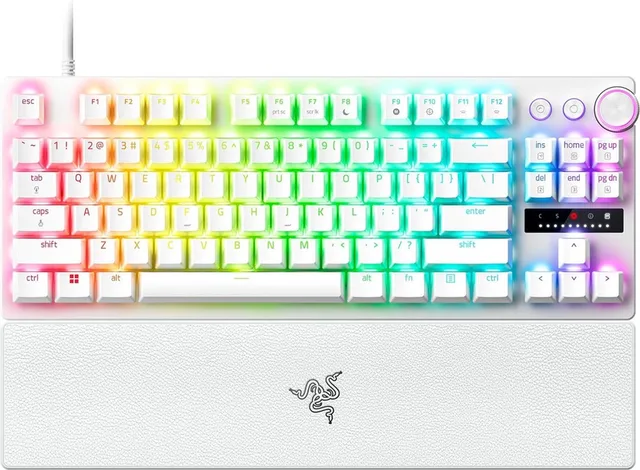
Huntsman V3 Pro Tenkeyless - Gaming Toetsenbord TKL - Optische Switches - RGB - Qwerty
From €152.10 · 7 offers
- Razer
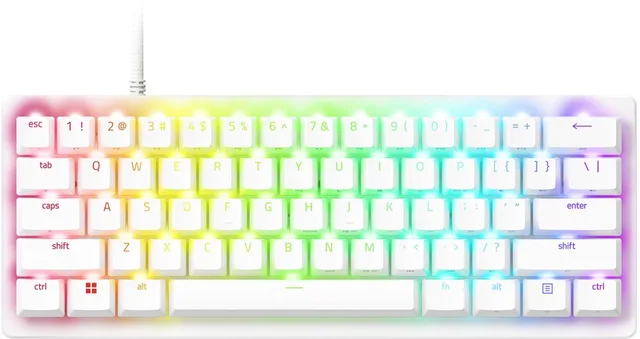
Huntsman V3 Pro Mini - Gaming Toetsenbord - 60% - RGB - Optische Switches
From €143.90 · 6 offers
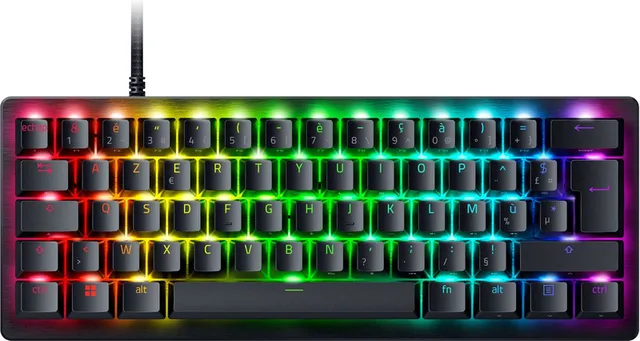
Size: how many keys do you need?
Gaming keyboards come in several sizes. The smaller the keyboard, the more room your mouse gets.
| Size | What goes | Who it suits |
|---|---|---|
| Full size (100%) | nothing | anyone who types numbers or uses the number pad |
| 96% or 98% | some space between key blocks | a number pad, but more compact |
| Tenkeyless (TKL, about 80%) | the number pad | the most popular gaming size |
| 75% | number pad, keys closer together | compact, with function keys |
| 65% | the function row as well | small, still with arrow keys |
| 60% | the arrow keys as well | as small as it gets; extra functions via an Fn key |
On 60% and 65% boards you reach missing keys through a second layer with the Fn key. You get used to it, but if you often use function keys or arrows, a TKL or 75% is more comfortable.
From 98% down to 60%
- Logitech G
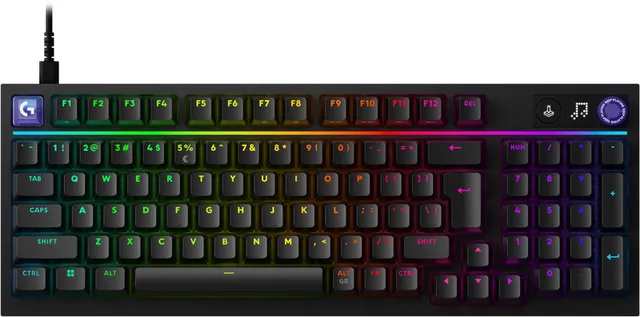
G316 X 98 - Gaming Toetsenbord - Linear - USB C
From €106 · 3 offers
- Logitech G
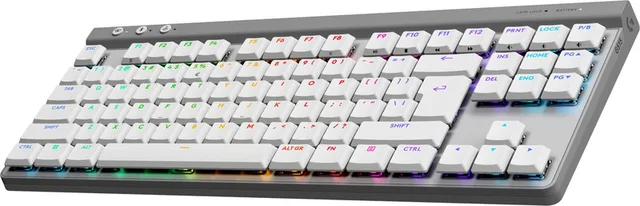
G515 Lightspeed TKL - Draadloos Gaming Toetsenbord - RGB
From €109.99 · 6 offers
- Razer
BlackWidow V4 75% - Mechanisch Gaming Toetsenbord - Orange Switch - RGB - Qwerty
From €176 · 6 offers
- Razer
Huntsman Mini - Gaming Toetsenbord - Lineaire Red Switch - RGB - 60% Layout
From €69.83 · 4 offers
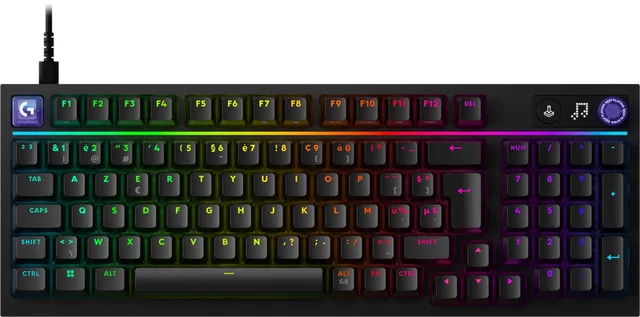
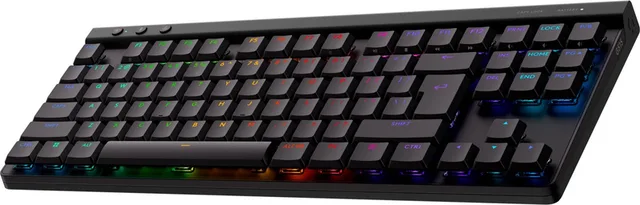
Layout: US International, ISO or AZERTY
Most people in the Netherlands type on a US International layout: the American (ANSI) layout with a wide, flat Enter key and a long left Shift. You type accents such as é and ë with the "United States-International" setting in Windows. An ISO keyboard has a tall Enter key and an extra key next to the left Shift; British, German and Dutch layouts use it. In Belgium, AZERTY is the norm.
Many keyboards come in several layouts. On GameCrew each layout is a separate version with its own EAN, and in the Netherlands a keyboard opens on its US version when there is one. Check you have the right version before you order, because keycaps are not easy to swap.
Wireless or wired
- Wired: no battery to charge and no receiver needed.
- Wireless over 2.4 GHz: with a small USB receiver, such as Logitech's Lightspeed or Razer's HyperSpeed. Manufacturers build these for gaming, so latency is low.
- Bluetooth: handy for a laptop or tablet as well, but usually slower than 2.4 GHz and less suited to gaming.
Many wireless models do both and also come with a cable for charging and playing. A low-profile keyboard, such as the Logitech G915 X Lightspeed, has flatter keys that feel closer to a laptop.
Frequently asked questions
Is a mechanical keyboard better for gaming?
Not necessarily. A mechanical keyboard gives you more control over the feel and registers presses precisely, but a good membrane keyboard is perfectly fine to play on. The difference is mostly in feel, sound and lifespan.
Which switch is the quietest?
Linear switches are usually the quietest and clicky switches the loudest. Some brands also make dedicated silent switches. A membrane keyboard is often quieter still.
What is rapid trigger?
With magnetic and analogue switches, a key can register again as soon as you release it slightly, rather than only after passing a fixed point. That helps with quick movements in competitive shooters. It only works on keyboards with such switches.
Can I use a keyboard on my PlayStation or Xbox?
Many USB keyboards work on PS5 and Xbox Series for typing and in games that support keyboard and mouse. That varies by game. Check the product details to see whether the manufacturer mentions a console.
What does hot-swap mean?
On a hot-swap keyboard you can pull out the switches without soldering and fit different ones, so you can change switch type later. The manufacturer states whether a model supports it.
Keep browsing
GameCrew does not test products. This guide sums up what manufacturers and publishers state. Always check the manufacturer for the details.
Products from this guide
Popular products with a current shop price. Compare the prices on the product page.
- HyperX
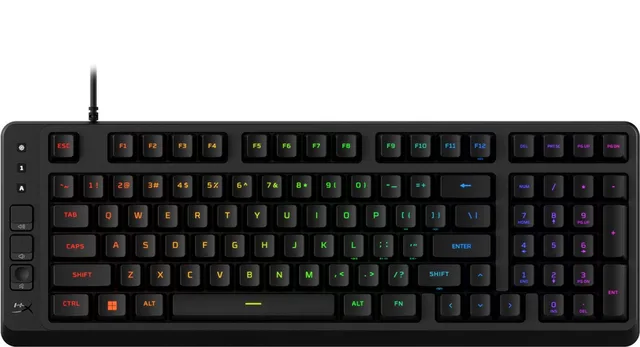
Eve 1800 - Gamingtoetsenbord - QWERTY-RGB- Membraam keys-Zwart
From €42.99 · 2 offers
- Razer
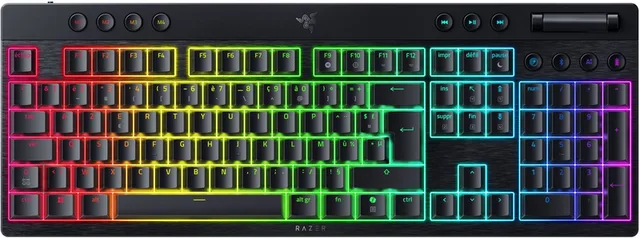
BlackWidow V4 - Draadloos Gaming Toetsenbord - Mechanische Orange Switches - RGB - Azerty
From €175.15 · 2 offers
- Logitech G
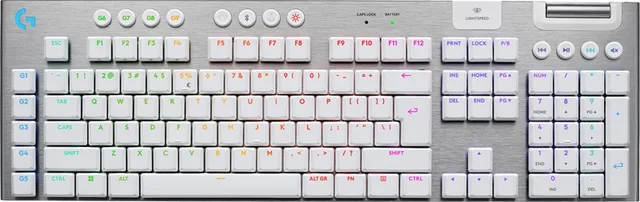
G915 X Lightspeed - Draadloos Gaming Toetsenbord - Tactile
From €185 · 8 offers
- Logitech G
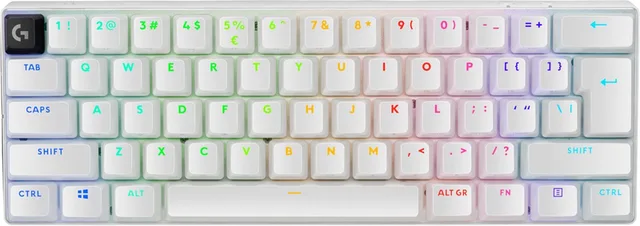
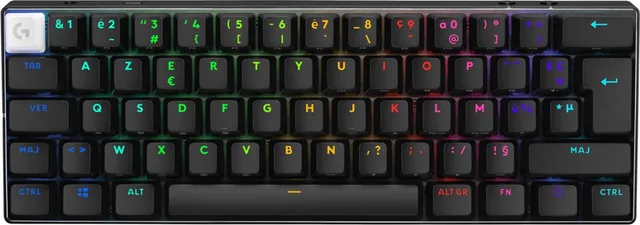
PRO X 60 Lightspeed - Draadloos Gaming Toetsenbord - RGB - Tactile
From €144.49 · 6 offers
- Razer
Huntsman V3 Pro Mini - Gaming Toetsenbord - 60% - RGB - Optische Switches
From €143.90 · 6 offers
- Logitech
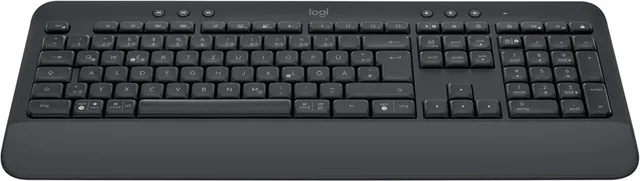
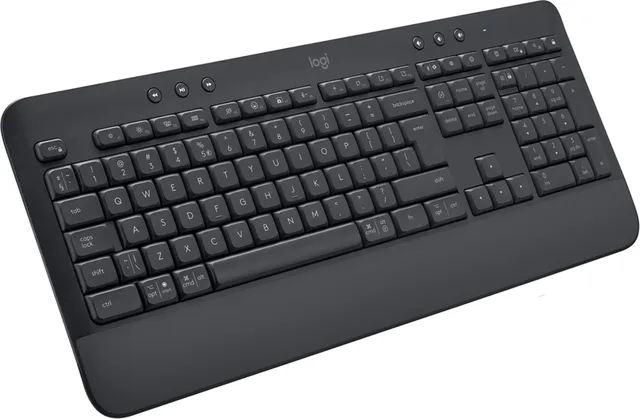
Signature K650 - Draadloos Toetsenbord - Graphite
From €46.69 · 5 offers
- Logitech G
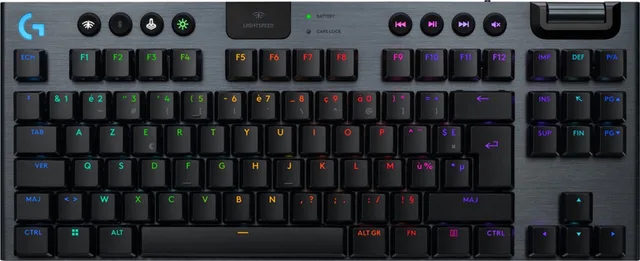
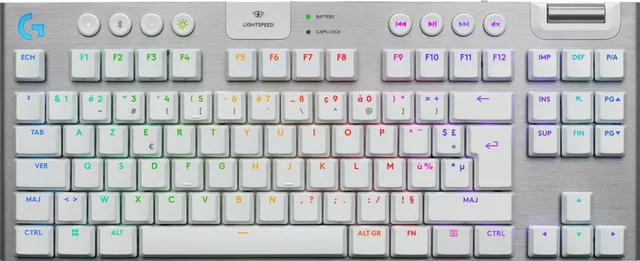
G915 X Lightspeed TKL - Draadloos Gaming Toetsenbord - Tactile
From €155 · 3 offers
- Logitech G
G515 Lightspeed TKL - Draadloos Gaming Toetsenbord - RGB
From €109.99 · 6 offers
More guides
- Gifts for gamers: ideas for Sinterklaas and Christmas A game, a second controller, a headset or something small: how to choose a gift that fits the gamer's console. Read the guide
- Buying a gaming PC: graphics card, processor and size Which gaming PC suits your screen and your desk? The graphics card, video memory, X3D processors, case size and upgrading explained. Read the guide
- Choosing a gaming monitor: resolution, Hz and panel Which gaming monitor suits your PC or console? Resolution, refresh rate, IPS, VA and OLED, and HDMI 2.1 explained. Read the guide