Buying a gaming PC: graphics card, processor and size
Which gaming PC suits your screen and your desk? The graphics card, video memory, X3D processors, case size and upgrading explained.

Short answer: Choose a gaming PC by the graphics card that suits your screen's resolution, and look at the processor after that. Read the model name carefully: it usually lists the graphics card, the amount of video memory, the memory and the SSD. Two PCs with the same graphics card can still differ, for example in video memory (8 or 16 GB on the RTX 5060 Ti), in the size of the case and in how much room there is to upgrade later.
A ready-built gaming PC works straight away and has a warranty on the whole machine. Our gaming PCs include small and large models from HP, Lenovo, Acer, ASUS, MSI and others. Here is how to compare them.
Read the model name
Makers sell one case in many versions with different parts. The model number tells you little, the rest of the name tells you more. Take the HP OMEN 35L GT16-1773nd: its name lists an AMD Ryzen 7 7800X3D, 32 GB of DDR5 memory and an NVIDIA GeForce RTX 5070. Another OMEN 35L can have a much lighter or heavier graphics card.
For every model, look at four things: the graphics card (and how much video memory it has), the processor, the memory and the SSD. If the name only gives a model code, check the description or the maker's site.
The graphics card and video memory
In most games the graphics card decides how many frames per second you get and at which resolution. With NVIDIA, within one generation, a higher number means a heavier card. An RTX 5080 is heavier than a 5070 Ti, which is heavier than a 5070, a 5060 Ti and a 5060.

Also check the video memory (VRAM). According to NVIDIA, the RTX 5060 Ti comes in an 8 GB and a 16 GB version, so the same name can mean two different cards. There are ready-built PCs with the RTX 5060 Ti 16 GB and with the RTX 5060 Ti 8 GB, for example. More video memory helps most at higher resolutions and with textures on the highest setting.
Examples from our range, from light to heavy:
- RTX 5060: for example the Acer Nitro 20 and the Lenovo LOQ Tower.
- RTX 5060 Ti and 5070: for example the Lenovo Legion T5 with RTX 5060 Ti, whose product name itself says 1080p to 1440p, and the HP OMEN 35L with RTX 5070.
- RTX 5070 Ti and 5080: for higher resolutions and many frames per second, for example the MSI MPG Infinite X3 AI and the MSI MEG Vision X AI.
For a screen to go with it, see our monitors.
Gaming PCs in this guide
- Acer
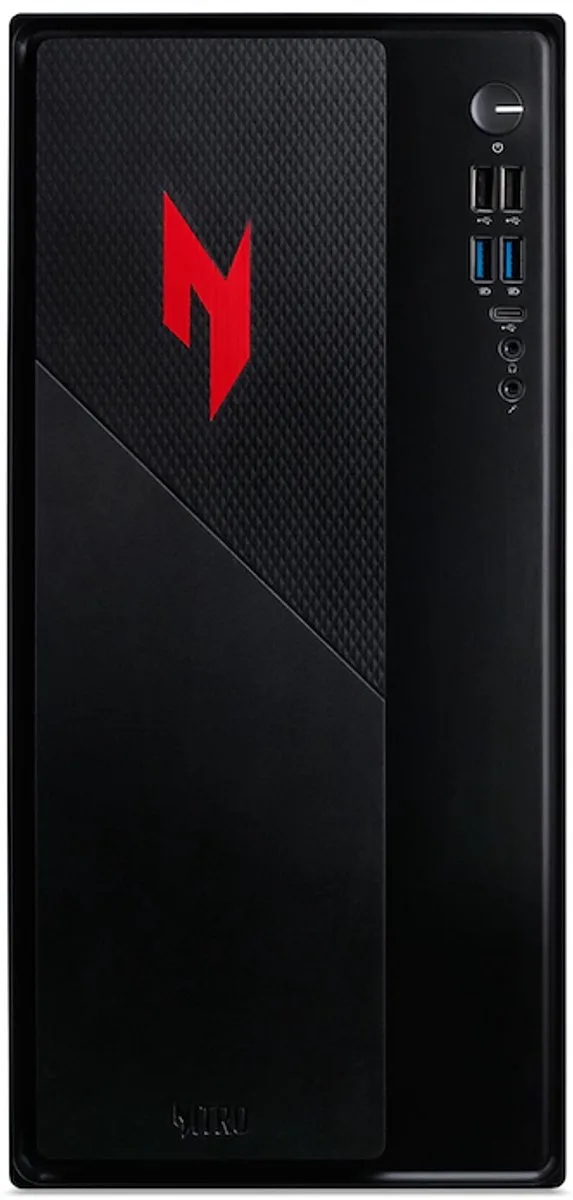
NITRO 20 N20-100-RPL Intel® Core™ i5 i5-13420H
16 GB DDR4-SDRAM 512 GB SSD NVIDIA GeForce RTX 5060 Windows 11 Home Desktop PC€1,213.99 · 1 offer
- Lenovo
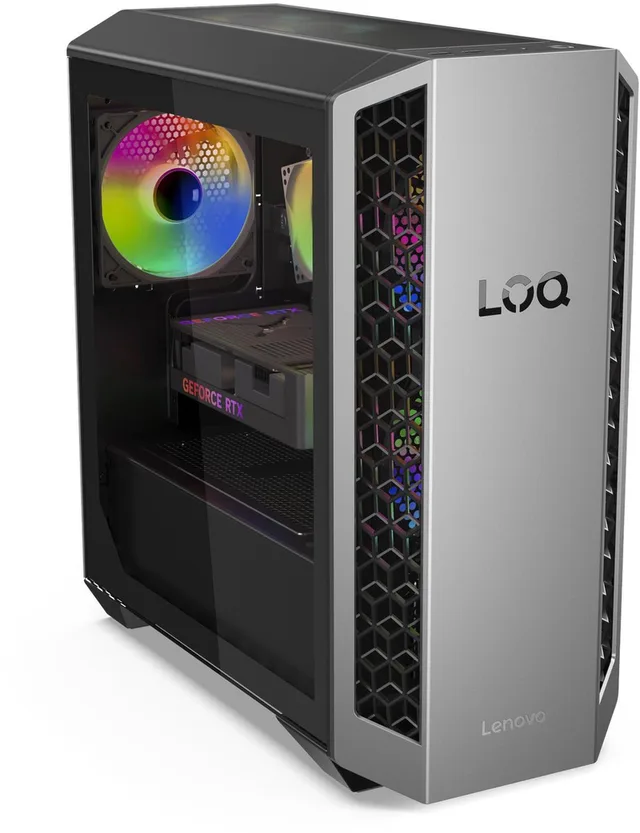
LOQ Tower 26ADR10 91DF0083MH - AMD Ryzen™ 7 8745HX
32 GB DDR5-SDRAM - 1 TB SSD - NVIDIA GeForce RTX 5060 - Windows 11 Home€1,449 · 1 offer
- Lenovo
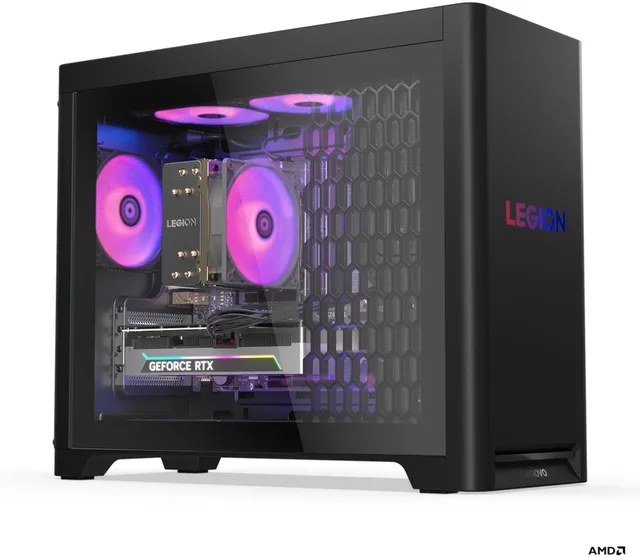
T5 30AGB10 90YJ0094MH - Gaming PC - NVIDIA RTX 5060 Ti
8gb - 1080p-1440p - Ryzen 5 7600 - 32 GB DDR5 - 1 TB SSD - Wi-Fi 7 - Windows 11 Home€1,799 · 1 offer
- HP
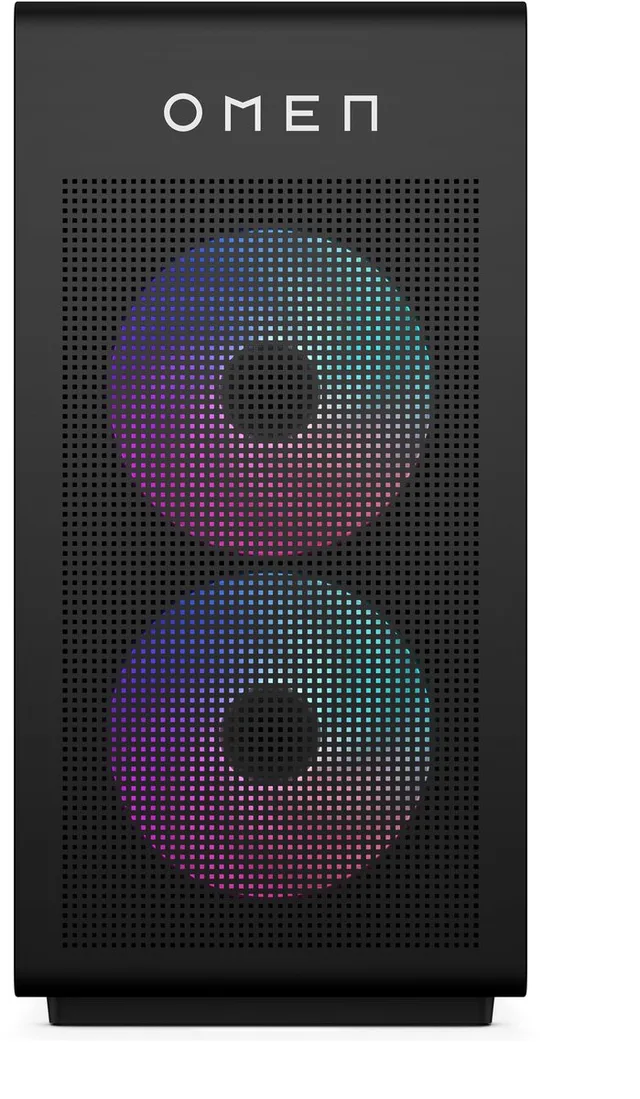
OMEN 35L GT16-1773nd - Gaming PC - AMD Ryzen™ 7
7800X3D - 32 GB DDR5-SDRAM - NVIDIA GeForce RTX 5070 - Windows 11 Home€2,369 · 1 offer
- MSI
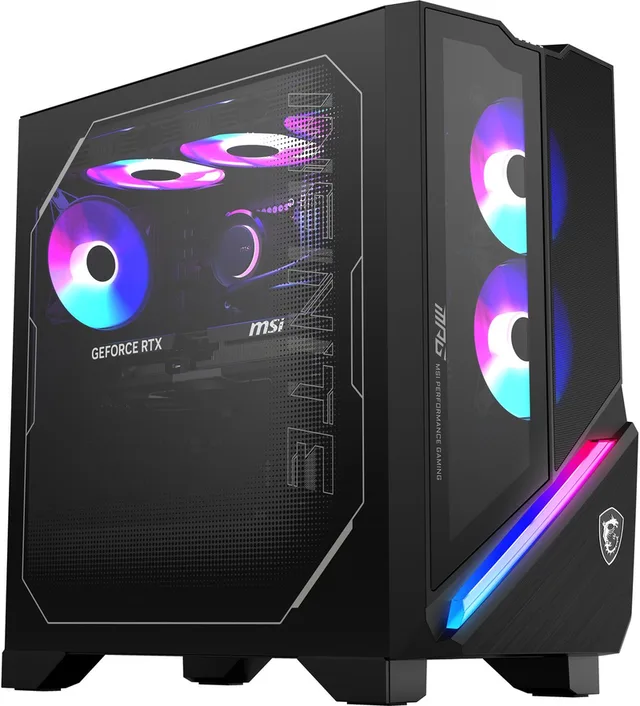
MPG Infinite X3 AI 2NVR7-036EU Intel Core Ultra 7 265K
32 GB DDR5-SDRAM 1 TB SSD NVIDIA GeForce RTX 5070 Ti Windows 11 Home Desktop PCFrom €2,599 · 2 offers
- MSI
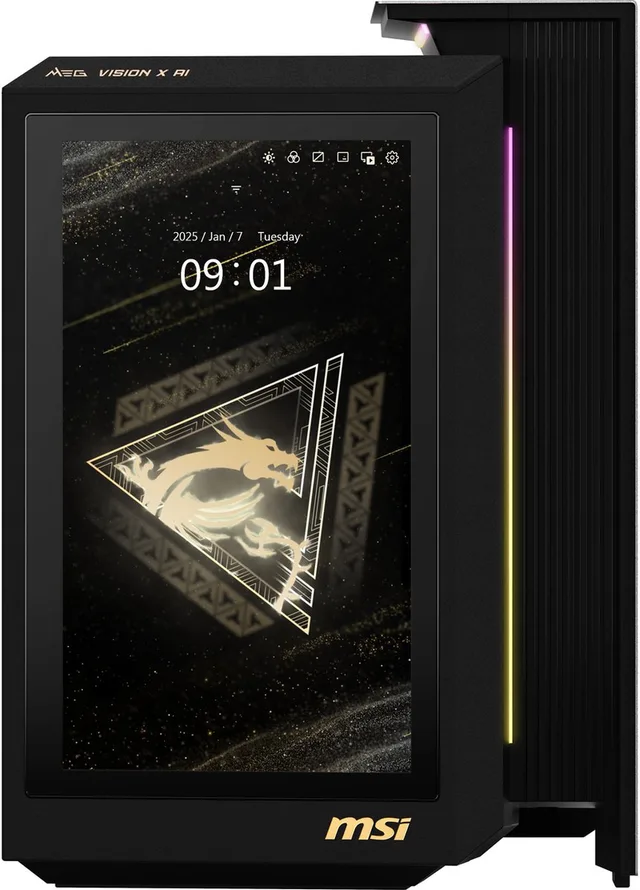
MEG Vision X AI 2NVV7-004EU Intel Core Ultra 7 265K
32 GB DDR5-SDRAM 2 TB SSD NVIDIA GeForce RTX 5080 Windows 11 Home Desktop PC€3,698.47 · 1 offer
The processor: what does X3D mean?
In most games the processor matters less than the graphics card. The exceptions are games with a lot of calculation, such as strategy and simulation games, and games where you want very high frame rates.
With AMD you often see processors with X3D in the name, such as the Ryzen 7 7800X3D and 9800X3D. They have extra cache memory that AMD calls 3D V-Cache, and AMD markets them as gaming processors. You find them in the HP OMEN 35L with 7800X3D and the OMEN 35L with 9800X3D, for example. With Intel, new PCs use the Core Ultra 5, 7 and 9.
How big is the case?
Gaming PCs vary a lot in size. With HP, the number in the name is the volume of the case in litres:
- Small: the HP OMEN 16L fits next to a screen on your desk. Smaller still is a mini PC such as the ASUS NUC with an RTX 5070.
- Medium: the HP OMEN 35L, the Lenovo Legion T5 and the Acer Orion 3000 are ordinary towers.
- Large: the HP OMEN 45L has room for large cooling and heavy parts.
A small case takes less space, but often has less room for a bigger graphics card or extra storage. Parts can also run warmer in a small case, so the fans spin faster.

From mini PC to big tower
- ASUS
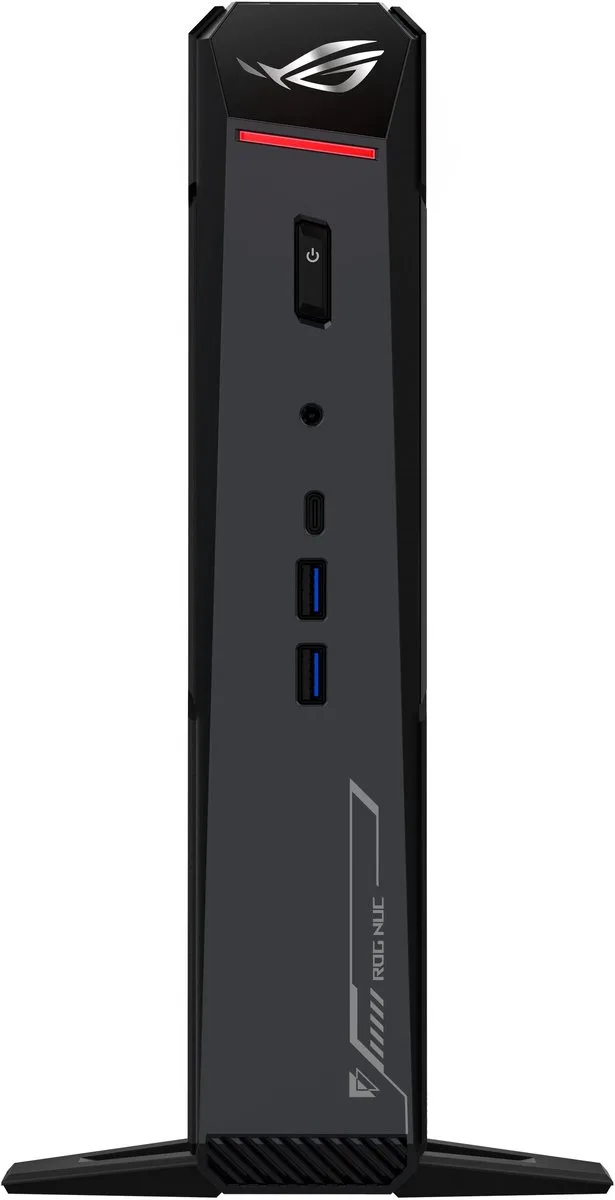
NUC RNUC15JNK9X489A2 - Mini-PC - Intel Core Ultra 9 275HX - NVIDIA GeForce RTX 5070
32 GB DDR5 - 1 TB SSD - Wi-Fi 7 - Windows 11 Home€3,119.57 · 1 offer
- HP
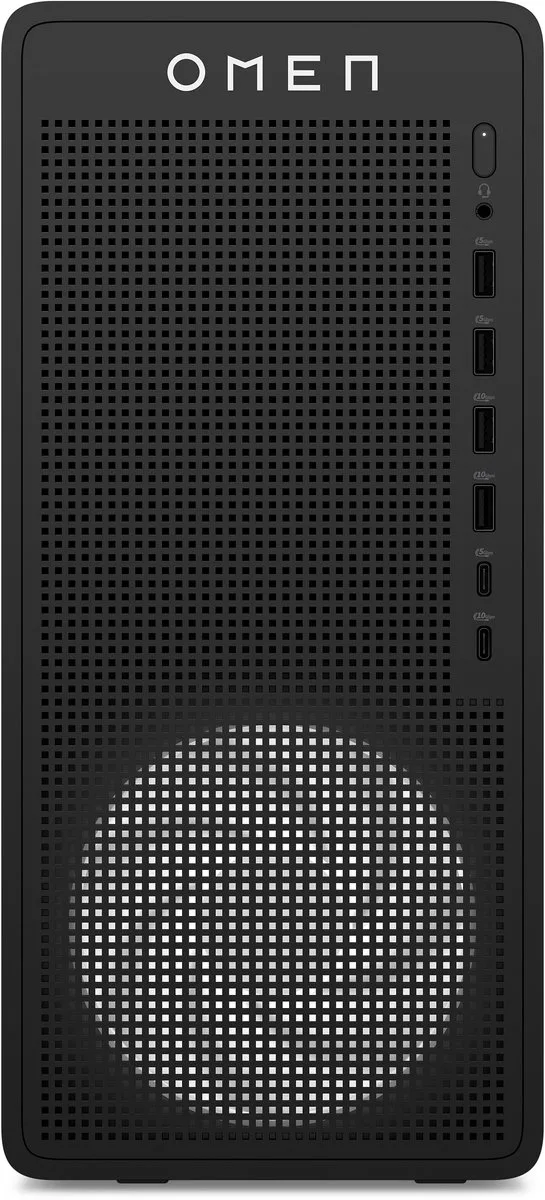
OMEN 16L TG03-0179ng Intel® Core™ i7 i7-14700F
32 GB DDR5-SDRAM 1 TB SSD NVIDIA GeForce RTX 5060 Ti Windows 11 Home Tower PC€2,145.99 · 1 offer
- HP
OMEN 35L GT16-1773nd - Gaming PC - AMD Ryzen™ 7
7800X3D - 32 GB DDR5-SDRAM - NVIDIA GeForce RTX 5070 - Windows 11 Home€2,369 · 1 offer
- HP
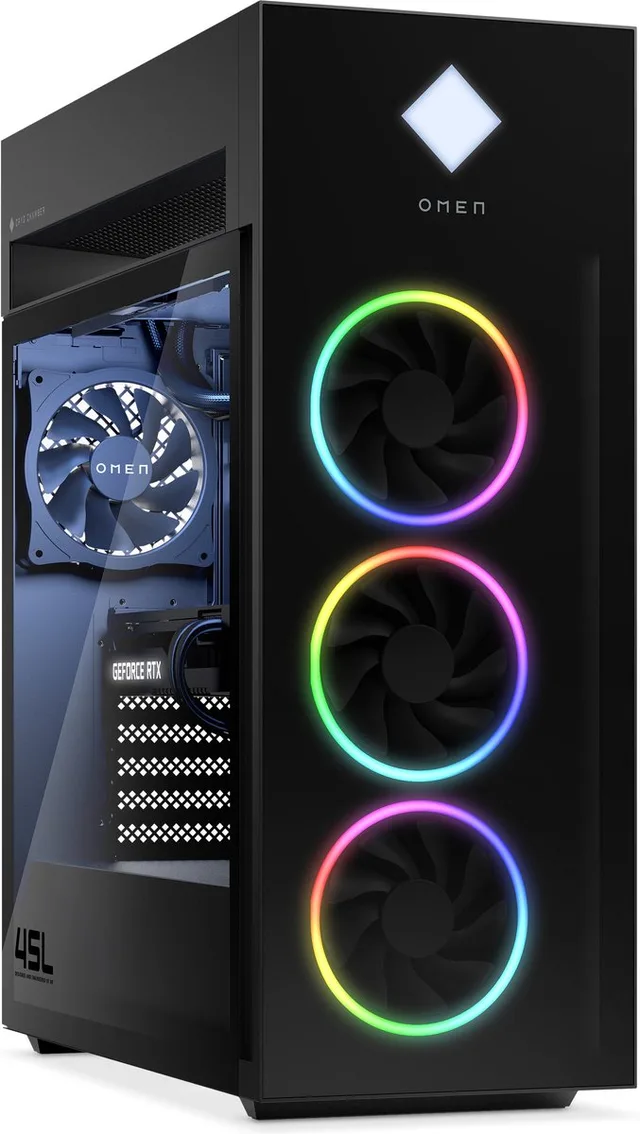
OMEN 45L GT22-3220nd - Gaming Desktop - Intel Core Ultra 9 285K
64GB DDR5 RGB RAM - 2TB SSD - NVIDIA GeForce RTX 5080 16GB - 360mm Liquid Cooling - Windows 11 Home€4,359 · 1 offer
Can you upgrade later?
If you want to fit a heavier graphics card in a few years, check three things: the wattage of the power supply, the room in the case and whether there are free slots for memory and a second SSD. Makers do not always put this in the name, so check the specifications on the maker's site. In many mini PCs you cannot replace the graphics card, so with a small PC look mostly at what is in it now.
Connect your screen to the graphics card
A gaming PC often has display outputs in two places: on the motherboard and on the graphics card. Plug your monitor into the graphics card's outputs, usually lower down at the back. Otherwise you get no picture, or the PC uses the processor's graphics chip and you get far fewer frames per second.
Frequently asked questions
Is a ready-built gaming PC worse than building your own?
Not necessarily. A ready-built PC works straight away, Windows is usually installed and you have a warranty on the whole machine. Building your own gives more choice per part. Read more about the basics on our gaming PCs page.
How much video memory do I need?
That depends on your resolution and settings. At 1080p, 8 GB goes a long way; at higher resolutions and with heavy textures, more helps. Note that some cards, such as the RTX 5060 Ti, come with 8 or 16 GB.
What is the difference between a gaming PC and a gaming laptop?
A desktop usually has more power and better cooling for the same graphics card name, and is easier to upgrade. A laptop you can take with you. See also our gaming laptops.
Keep browsing
GameCrew does not test products. This guide sums up what manufacturers and publishers state. Always check the manufacturer for the details.
Products from this guide
Popular products with a current shop price. Compare the prices on the product page.
- Gigabyte
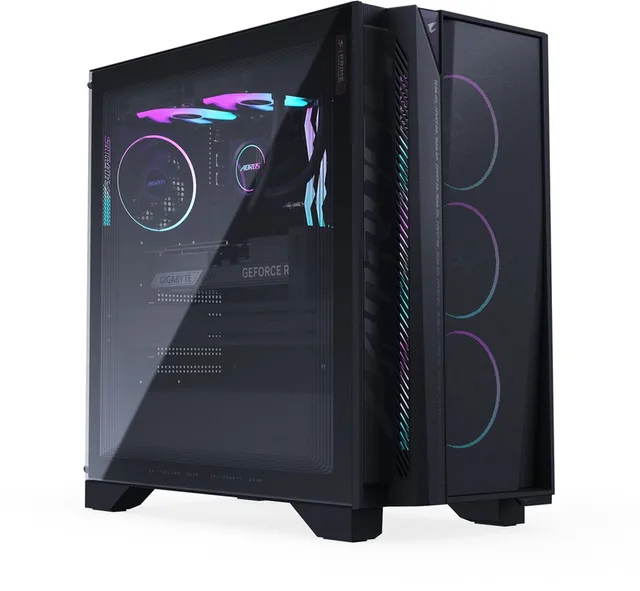
AORUS Prime 5 AP5A7N7T-5102
€2,949 · 1 offer
- ASUS
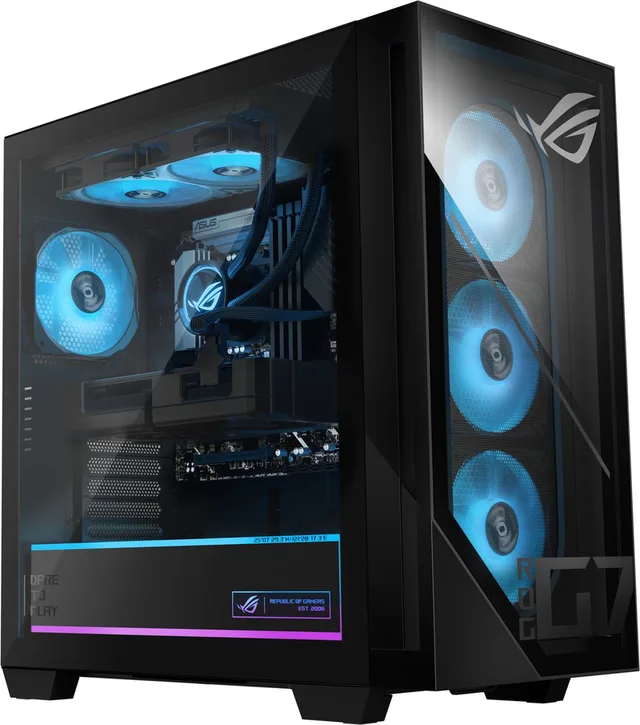
G700 G700TF-7265KF306W - Gaming Desktop - Intel Core Ultra 7 265KF
32GB - 1 TB - NVIDIA RTX 5070 - 850w€2,019 · 1 offer
- Lenovo
LOQ Tower 26ADR10 91DF0083MH - AMD Ryzen™ 7 8745HX
32 GB DDR5-SDRAM - 1 TB SSD - NVIDIA GeForce RTX 5060 - Windows 11 Home€1,449 · 1 offer
- ASUS
NUC RNUC15JNK9X489A2 - Mini-PC - Intel Core Ultra 9 275HX - NVIDIA GeForce RTX 5070
32 GB DDR5 - 1 TB SSD - Wi-Fi 7 - Windows 11 Home€3,119.57 · 1 offer
- HP
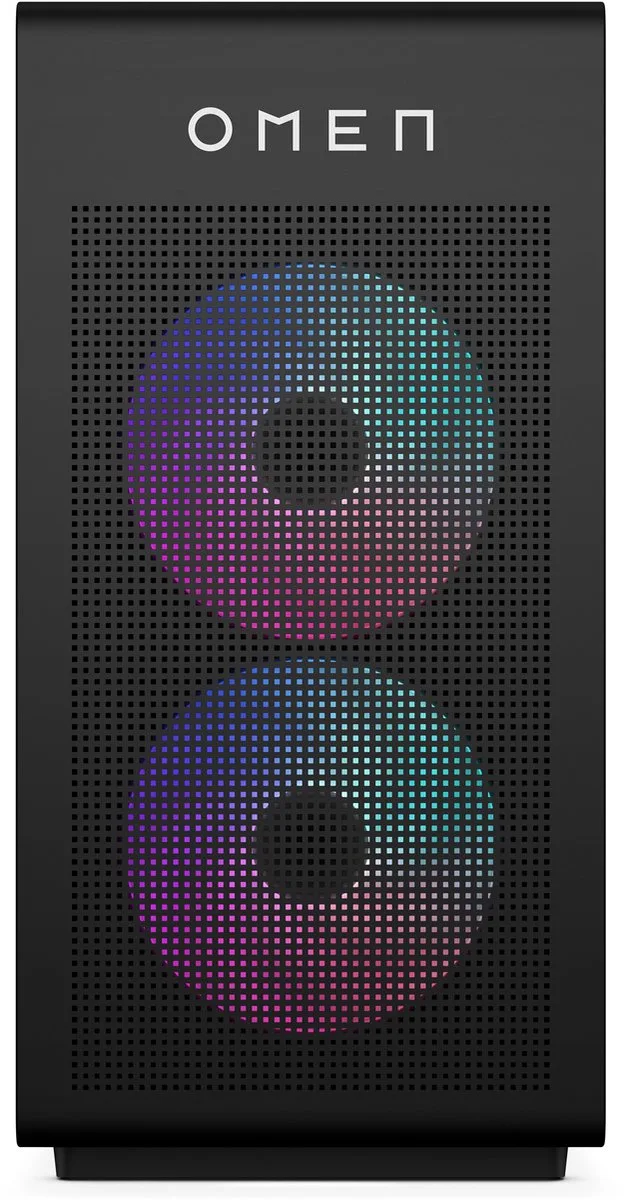
OMEN 35L GT16-0230nd - Gaming Desktop - Intel Core Ultra 7 265K
32 GB DDR5 RGB RAM - 2TB SSD - NVIDIA GeForce RTX 5070 12 GB - 240mm Liquid Cooling - Windows 11 HomeFrom €2,999 · 3 offers
- Lenovo
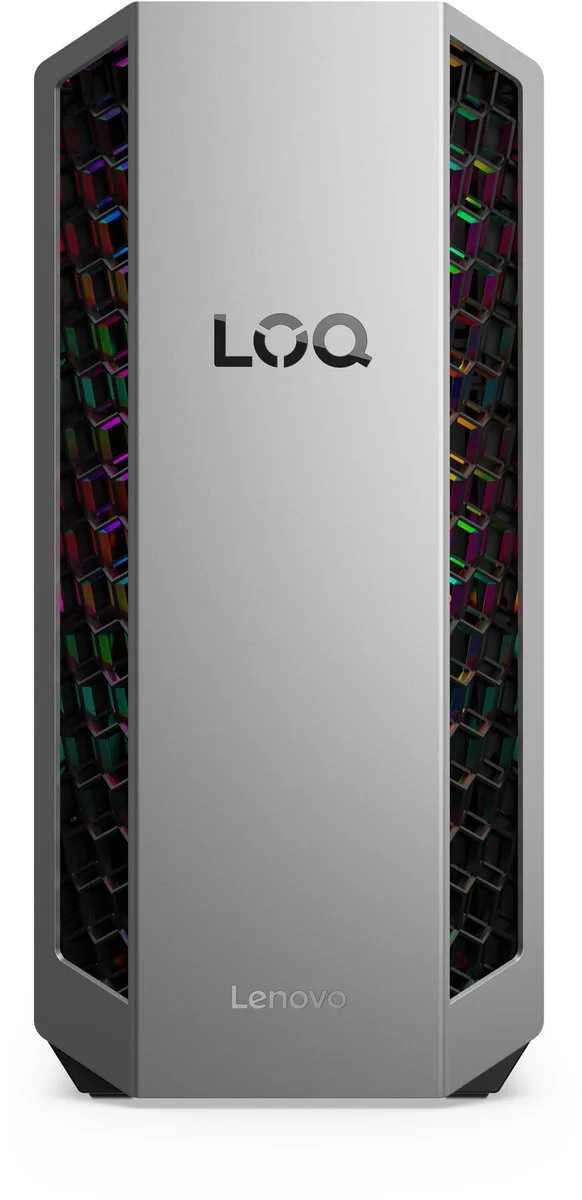
LOQ Tower 26ADR10 AMD Ryzen™ 7 8745HX
32 GB DDR5-SDRAM 1 TB SSD NVIDIA GeForce RTX 5060 Ti Windows 11 Home PC€1,720.75 · 1 offer
- MSI
MPG Infinite X3 AI 2NVR7-036EU Intel Core Ultra 7 265K
32 GB DDR5-SDRAM 1 TB SSD NVIDIA GeForce RTX 5070 Ti Windows 11 Home Desktop PCFrom €2,599 · 2 offers
- Acer
NITRO 20 N20-100-RPL Intel® Core™ i5 i5-13420H
16 GB DDR4-SDRAM 512 GB SSD NVIDIA GeForce RTX 5060 Windows 11 Home Desktop PC€1,213.99 · 1 offer
More guides
- Gifts for gamers: ideas for Sinterklaas and Christmas A game, a second controller, a headset or something small: how to choose a gift that fits the gamer's console. Read the guide
- Choosing a gaming monitor: resolution, Hz and panel Which gaming monitor suits your PC or console? Resolution, refresh rate, IPS, VA and OLED, and HDMI 2.1 explained. Read the guide
- Choosing a gaming keyboard: membrane or mechanical? Membrane or mechanical, which switch and which size: how to pick a gaming keyboard that suits your games and your desk. Read the guide