Choosing a gaming laptop: graphics card, screen, cooling and weight
Choose a gaming laptop by its graphics card, because you cannot replace it. Then come the screen, the cooling and how often it has to travel.

Popular picks from this guide
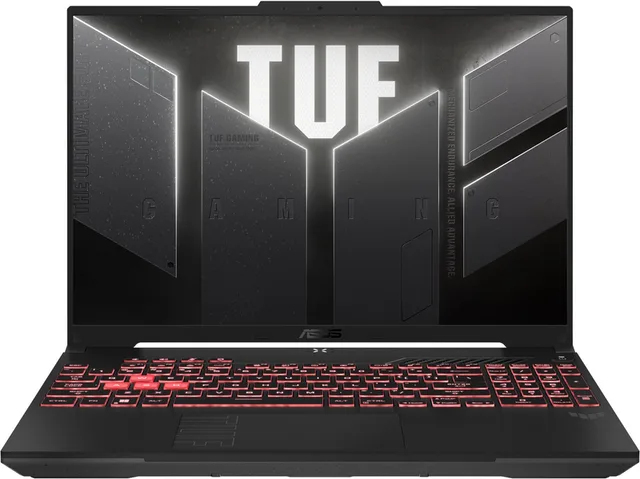
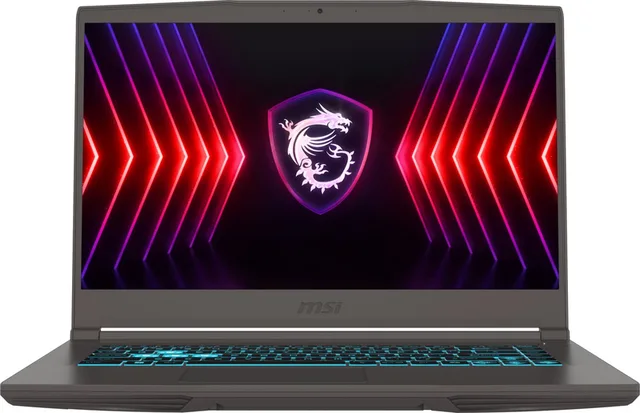
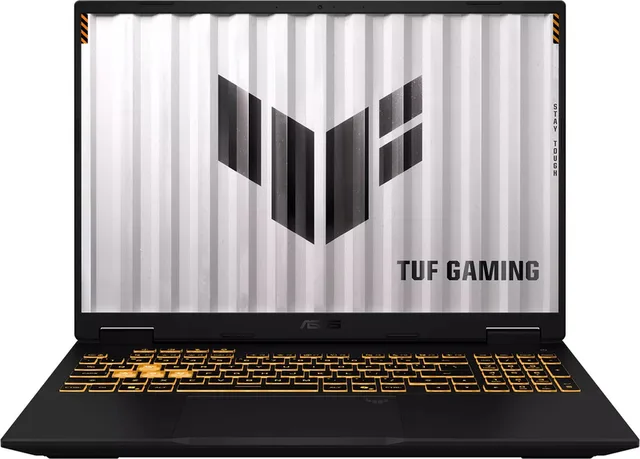
Popular products at today's lowest price. Compare every shop on the product page.
Short answer: Choose a gaming laptop by its graphics card first, because you cannot replace it later. An RTX 5060 is enough for most games at Full HD and lighter games at QHD, an RTX 5070 or 5070 Ti gives more headroom at higher settings, and an RTX 5080 is for the heaviest games. Then choose the size: 14 inches to carry around, 16 inches as the middle ground, and 17 or 18 inches for the desk.
A gaming laptop is a complete gaming PC in one case, with screen, keyboard and battery. That means you have to get more right in one go than with a desktop. Here is what to look for, with examples from our gaming laptops. GameCrew does not test laptops itself: the details come from the manufacturers and the product names.
The graphics card decides what you can play
In a laptop the graphics card is fixed to the motherboard. What you choose now is what you play with for the life of the laptop. The name of the graphics card is almost always in the product name.
- RTX 5050 and 5060: the entry point of the current generation, for Full HD and lighter games at QHD. Examples are the MSI Katana 17 HX, the Lenovo LOQ 15 and the MSI Cyborg 15.
- RTX 5070 and 5070 Ti: more power for QHD and higher settings, as in the Acer Nitro V 16S AI, the ASUS TUF Gaming A16 and the Acer Nitro 18 AI with a 5070 Ti.
- RTX 5080: for high resolutions and demanding games, as in the MSI Raider 16 MAX HX and the MSI Vector A16 HX.
Keep in mind that the same graphics card is not equally fast in every laptop. NVIDIA gives each laptop chip a power range, for example 45 to 100 W for the RTX 5060 and 80 to 150 W for the RTX 5080, and where a laptop sits in that range differs per model. Manufacturers usually call this the TGP, in watts. A thin laptop often gives the chip less power than a thick one with the same card. Look for the TGP in the specifications and compare it when you put two laptops with the same graphics card side by side.

Laptops by graphics card
- MSI
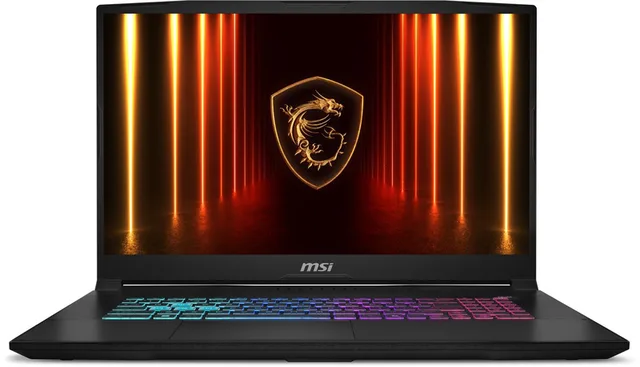
Katana 17 HX B14WFK-021NL - Gaming Laptop - RTX 5060
From €1,599 · at 2 shops
Lowest in 90 days
- MSI
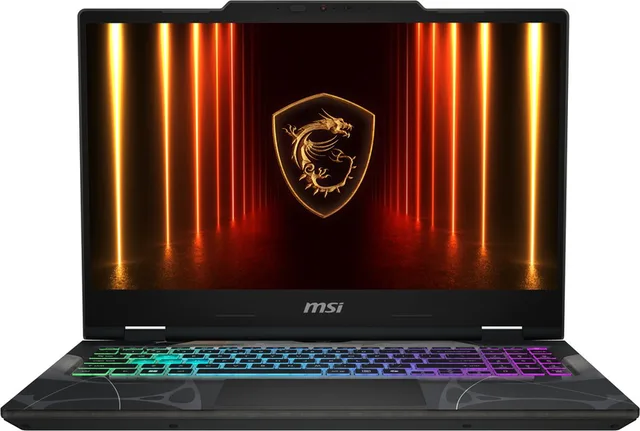
Cyborg 15 B2RWFKG-087NL - Gaming Laptop - 15.6 inch
€1,676.98 · at 1 shop
Lowest in 90 days
- Acer
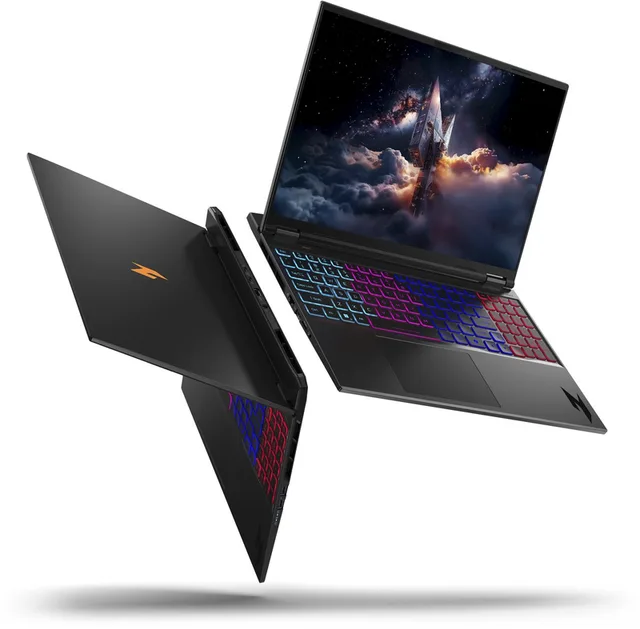
Nitro V 16S AI ANV16S-41-R72F gaming laptop, 16 inch 3K 180Hz, AMD Ryzen 7, 16GB
From €1,829 · at 3 shops
Lowest in 90 days
- ASUS
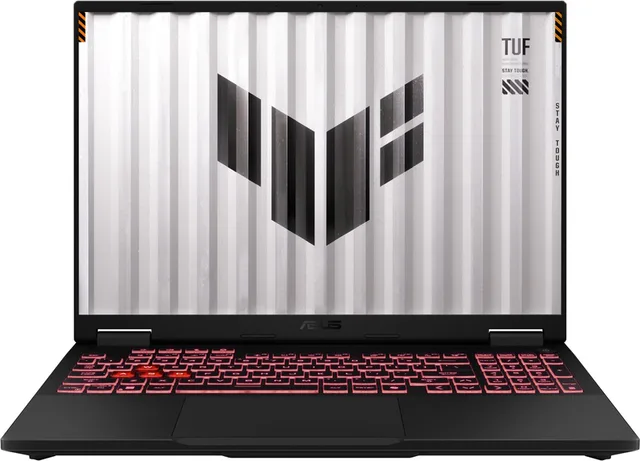
TUF Gaming A16 FA608UP-RV017W - Gaming Laptop - 16 inch
€1,799 · at 1 shop
- Acer
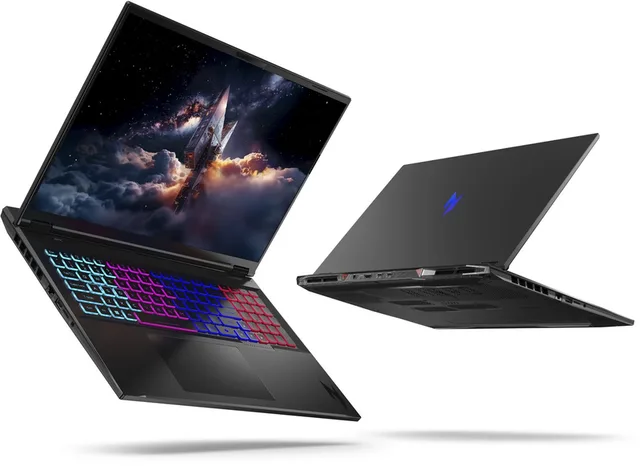
Nitro 18 AI AN18-61-R0NJ - Gaming Laptop - 18 inch 165Hz - AMD Ryzen AI 7
From €2,669 · at 2 shops
- MSI
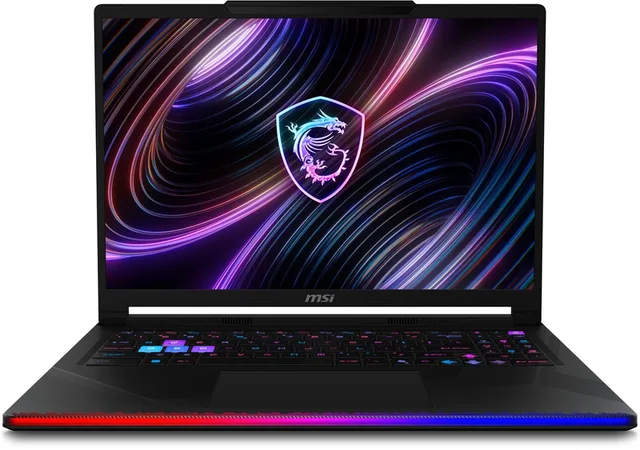
Raider 16 MAX HX B2WI-249NL - Gaming Laptop - 16 inch
From €4,199 · at 3 shops
The screen: size, resolution and Hz
The screen comes with the laptop and cannot be swapped. Three things matter.
- Size: 14 inches is light and fits in any bag, like the ASUS ROG Zephyrus G14. 15 and 16 inches is the common middle size. 17 and 18 inches gives the biggest picture, but a laptop like that rarely leaves the house, like the ASUS ROG Strix G18.
- Resolution: Full HD is light work for the graphics card. QHD or 3K is sharper but needs more power. Match the resolution to the graphics card, or you will get few frames per second.
- Refresh rate: gaming laptops usually have 144 Hz or more. The MSI Crosshair 16 HX AI lists 240 Hz, the Acer Nitro V 16S AI 180 Hz.
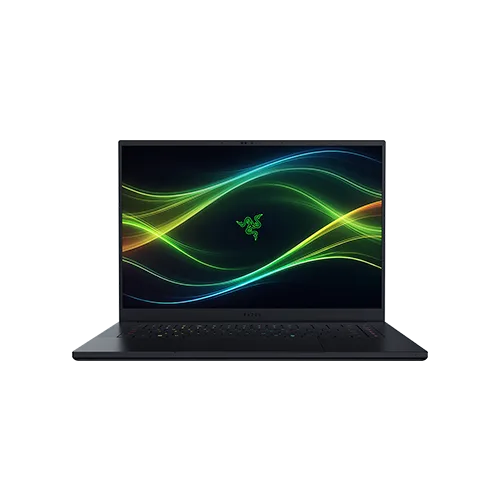
Some laptops have an OLED or Mini LED screen with more contrast. According to its product name the Razer Blade 16 has a 240 Hz OLED screen and the Acer Predator Helios 18 AI a 250 Hz Mini LED screen. Read more about panel types in our guide choosing a gaming monitor.
Cooling and noise
A strong graphics card and processor make a lot of heat in a small case. Manufacturers deal with that through bigger fans, more vents and thicker cases. That is why the laptops with the heaviest graphics cards are often the thickest too.
Most gaming laptops come with software where you choose between a quiet mode and a full power mode. In quiet mode the laptop runs cooler, but you get fewer frames per second. If you often play on your lap or on the sofa, keep the vents free. A laptop that cannot breathe slows itself down.
Size and weight
Ask yourself first how often the laptop has to travel. If it goes to school or work every day, choose a 14 or 16 inch model. A thin 14 inch laptop with an RTX 5060 or 5070 Ti, like the Zephyrus G14 with RTX 5060 or with RTX 5070 Ti, weighs less than an 18 inch model. If the laptop mostly stays on a desk, a big and heavier model is no problem, and you often get a larger screen and more cooling in return.
Count the charger too. Gaming laptops come with a separate power adapter that can be fairly large. For gaming at full power the laptop should be plugged in: on battery most models run in a more economical and slower mode.
To carry or for the desk
- ASUS
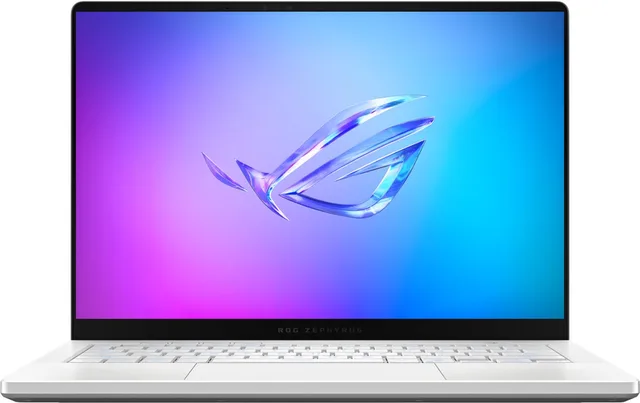
Zephyrus G14 GA403UM-QS024W, gaming laptop, 14 inch, RTX 5060, 120 Hz
From €2,068.50 · at 2 shops
Lowest in 90 days
- ASUS
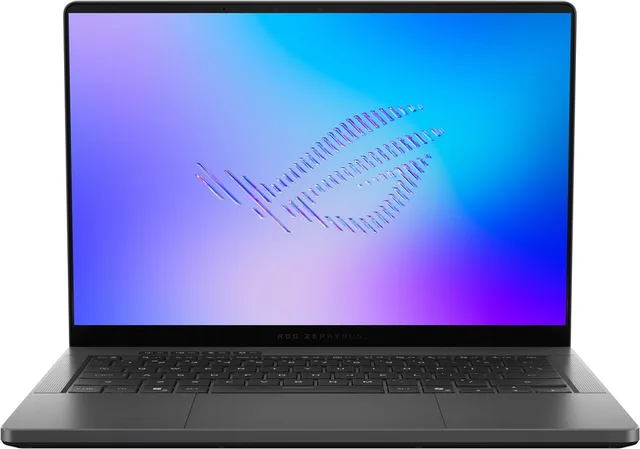
Zephyrus G14 GU405AR-SY006W- Gaming Laptop - 14 inch
€3,899 · at 1 shop
- Razer
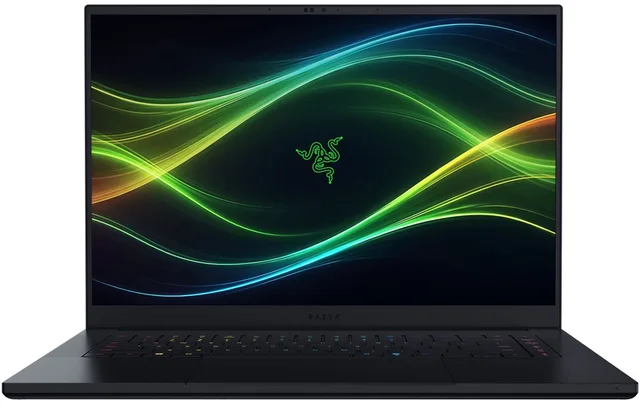
Blade 16 Gaming Laptop - 16" QHD+ 240Hz OLED - Intel Ultra 9
64GB RAM - RTX 5080 - 1TBFrom €5,109 · at 3 shops
Lowest in 90 days
- ASUS
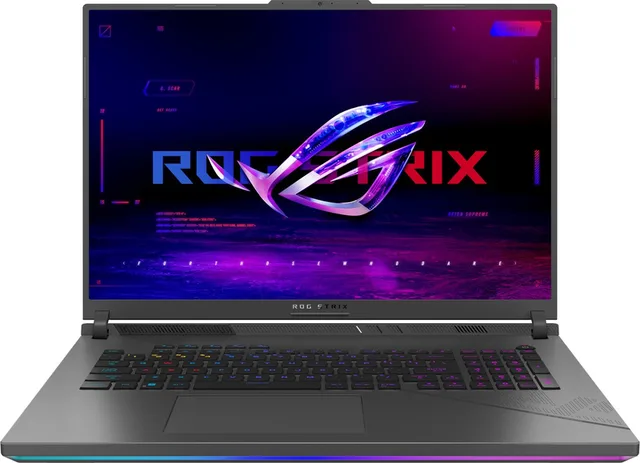
Strix G18 G814PP-S9006W, gaming laptop, 18 inch, RTX 5070, 16GB/1000GB
€2,349 · at 1 shop
- Acer
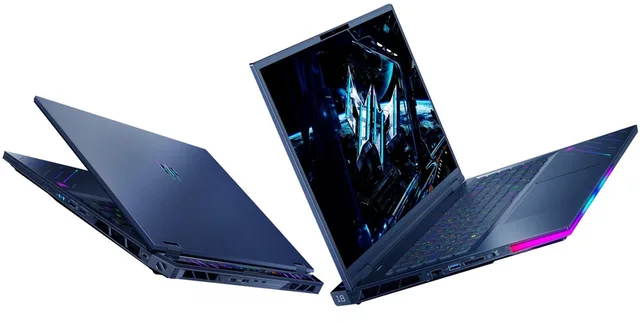
Helios 18 AI PH18-73-9682 - Gaming Laptop - 18 inch Mini LED 250Hz - Core Ultra 9
From €4,376 · at 3 shops
- MSI
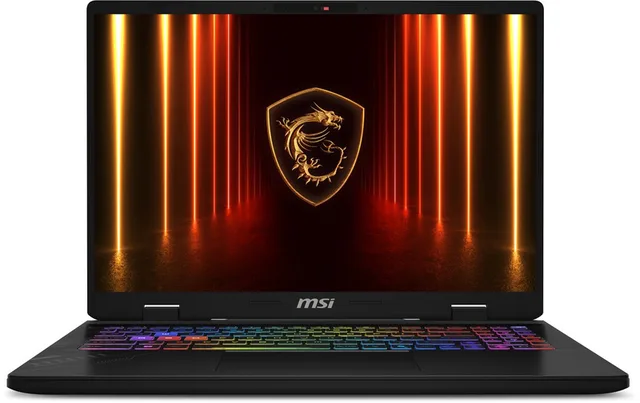
Crosshair 16 HX AI D2XWGKG-002NL - Gaming Laptop
€1,899 · at 1 shop
Memory and storage
16 GB of memory is common in gaming laptops, more expensive models have 32 GB. For storage 1 TB is a comfortable size, because modern games take a lot of space. Many laptops have a second slot for an SSD or memory you can replace yourself, but not all of them: in some thin models the memory is soldered to the motherboard. Check the manufacturer's manual to see what you can still upgrade later.
Laptop or desktop
Choose a laptop if you want to take it with you or have little space. A desktop usually gives more cooling for the same graphics card, and you can upgrade it part by part later. If you are unsure, read our guide buying a gaming PC.
Frequently asked questions
Is an RTX 5060 enough for a gaming laptop?
For most games at Full HD and for lighter games at QHD, yes. If you want to play new, demanding games at high settings, an RTX 5070 or higher gives more headroom.
Why is the same graphics card faster in one laptop than in another?
Because the chip does not get the same power in every laptop. NVIDIA gives each laptop chip a power range, and each model sits somewhere in that range. A laptop with more power and better cooling gets more out of the same chip. Look for the TGP in the specifications.
Can I put a better graphics card in my laptop later?
No. In a laptop the graphics card is fixed. Memory and storage can be upgraded in many models.
Can I play games on battery?
You can, but most laptops run more economically and therefore slower on battery, and the battery drains quickly. For gaming at full power, plug in the charger.
Keep browsing
GameCrew does not test products. This guide sums up what manufacturers and publishers state. Always check the manufacturer for the details.
Products from this guide
Popular products with a current shop price. Compare the prices on the product page.
- Lenovo
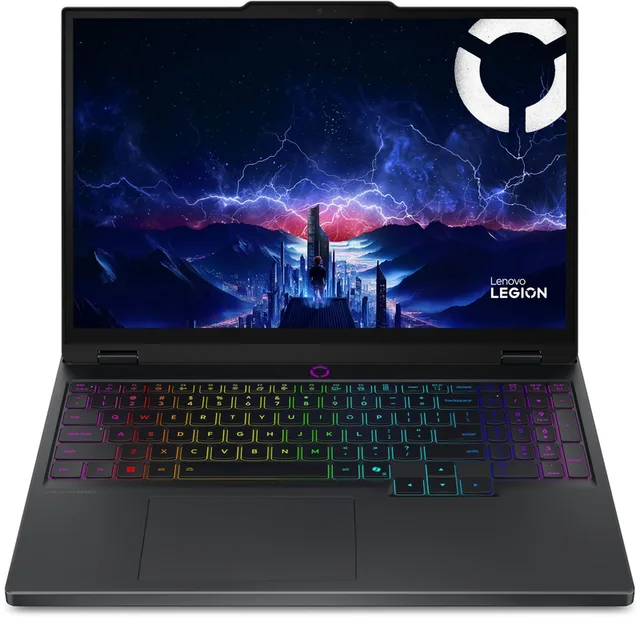
Legion 5 15IAX10 laptop, Intel Core Ultra 7 255HX, 38,4 cm, 15.1 inch WQXGA
From €1,658.50 · at 3 shops
Lowest in 90 days
- ASUS
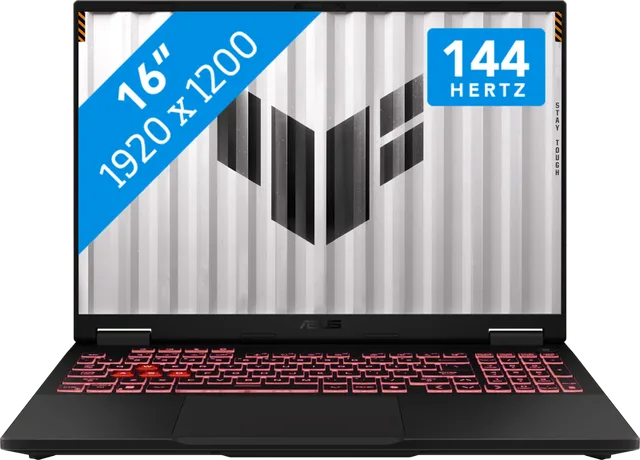
TUF Gaming A16 FA608UHI-TU276W
€1,299 · at 1 shop
- Lenovo
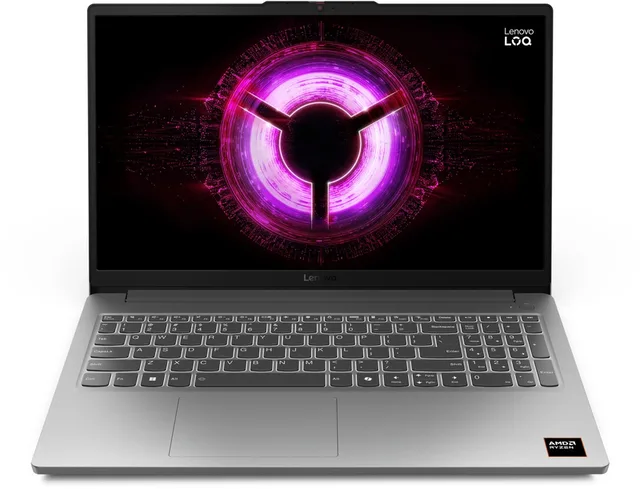
LOQ 15ARP10E - 83S000FDMH - QWERTY
From €1,099 · at 2 shops
Lowest in 90 days
- ASUS
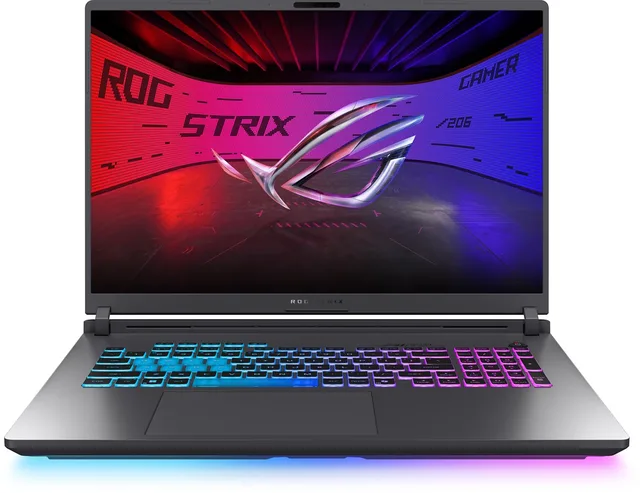
Strix G18 G815LR-TT381W Intel Core Ultra 9 290HX Plus Laptop 45,7 cm
€2,949 · at 1 shop
- ASUS
Zephyrus G14 GA403UM-QS024W, gaming laptop, 14 inch, RTX 5060, 120 Hz
From €2,068.50 · at 2 shops
Lowest in 90 days
More guides
- Gifts for gamers: ideas for Sinterklaas and Christmas A game, a second controller, a headset or something small: how to choose a gift that fits the gamer's console. Read the guide
- Buying a gaming PC: graphics card, processor and size Which gaming PC suits your screen and your desk? The graphics card, video memory, X3D processors, case size and upgrading explained. Read the guide
- Choosing a gaming monitor: resolution, Hz and panel Which gaming monitor suits your PC or console? Resolution, refresh rate, IPS, VA and OLED, and HDMI 2.1 explained. Read the guide



- Guide Choosing a gaming keyboard: membrane or mechanical?
- Guide Choosing a gaming chair: what to look for
- Guide Choosing a racing wheel: force feedback, console and pedals
- Guide Choosing a controller: PS5, Xbox, Switch 2 or PC
- Guide Choosing a gaming headset: wired, wireless and console
- Guide Choosing a gaming mouse: grip, weight, wireless and buttons
- Guide PS5, Xbox or Switch 2: which console suits you?