Gifts for gamers: ideas for Sinterklaas and Christmas
A game, a second controller, a headset or something small: how to choose a gift that fits the gamer's console.

Short answer: First find out which console or PC they play on; almost everything depends on it. A game, an extra controller or a headset is a safe choice for most gamers. If you know little about games, pick something from a game world they love, such as a Funko Pop or a plush. For children, check the PEGI rating, and order early for Sinterklaas and Christmas.
Buying for a gamer does not have to be complicated. A few questions up front stop you from buying a game for the wrong console. The prices on the product cards come from the shops.
First: which platform do they play on?
Games and accessories usually work on one platform only, so ask, or take a quick look under the TV.
- PlayStation 5: the PS5 also plays most PS4 games. Note that the PS5 Digital Edition and the PS5 Pro have no disc drive; a game on disc only works there with a separate disc drive.
- Xbox Series X or S: the Xbox Series S has no disc drive, so do not give a disc game for it.
- Nintendo Switch 2: plays most original Switch games. Switch 2 games do not work on the original Switch.
- Nintendo Switch (original, OLED or Lite): Switch games only, no Switch 2 games.
- PC: many PC games are bought digitally. Gear such as a mouse, keyboard or mousepad is often an easier gift.
On GameCrew each platform version of a game is a separate version with its own EAN, so the price comparison always shows exactly the right one.
Giving a game
A new game is the obvious gift. For children, check the PEGI rating on the box and on the product page. PEGI 3, 7, 12, 16 and 18 show the age the content suits; they say nothing about how hard a game is.
A few popular games from our catalogue:
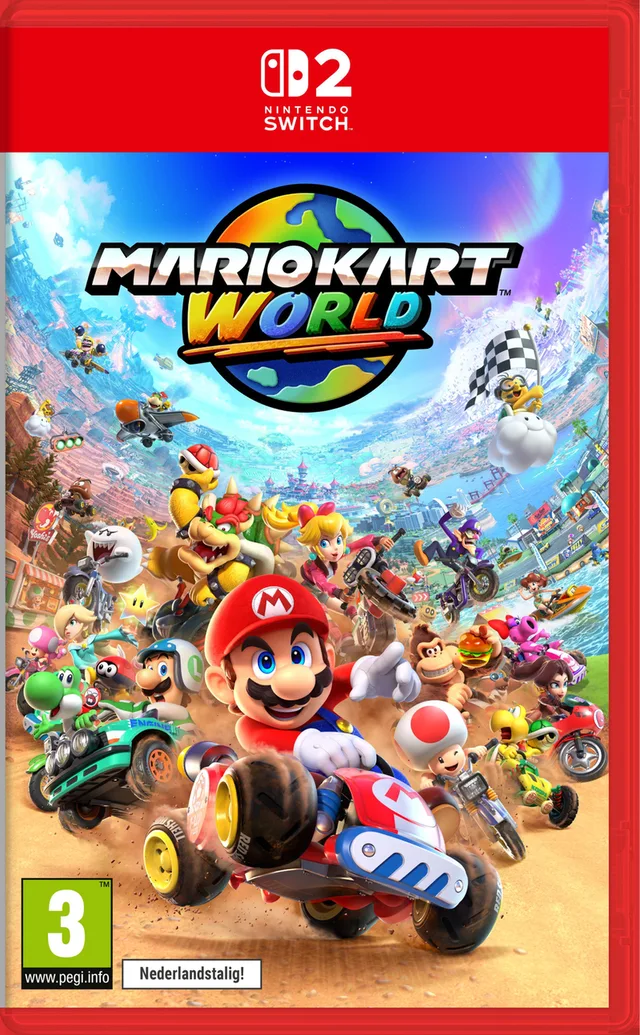
- Mario Kart World for Switch 2, for racing together on one console.
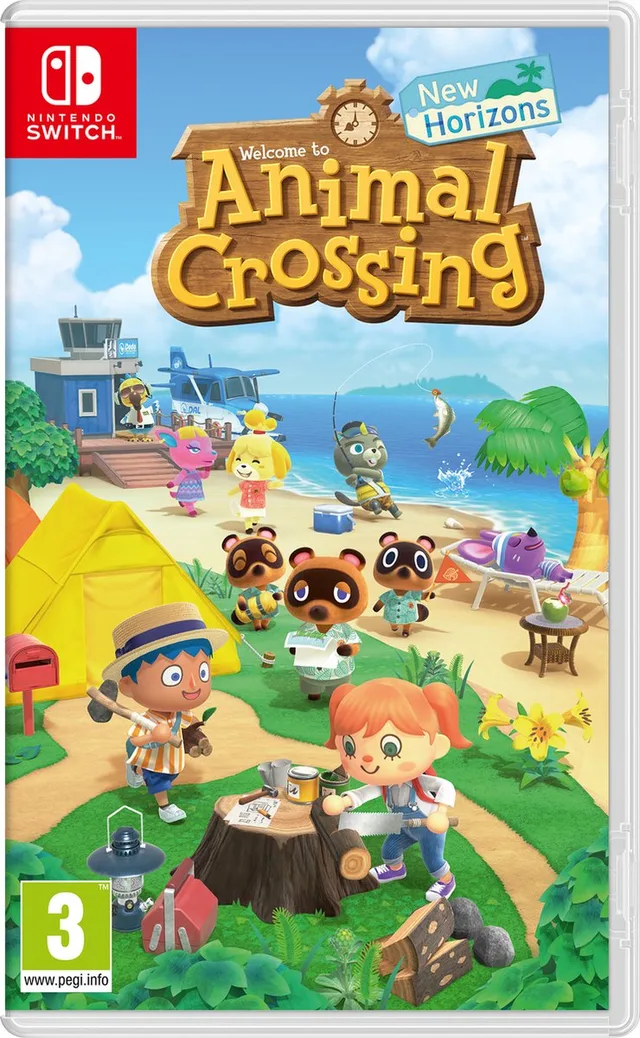
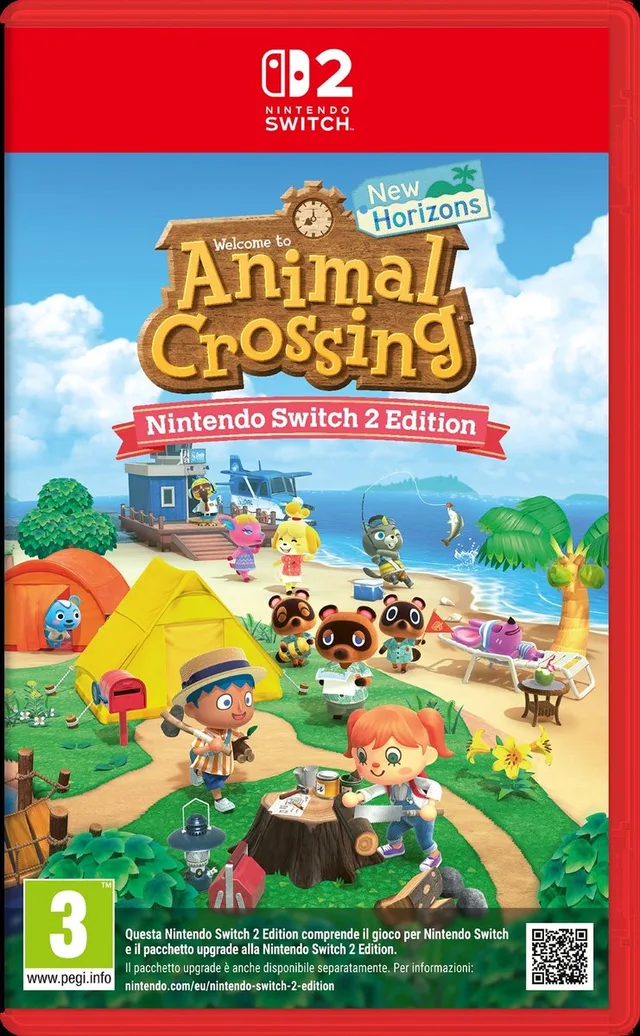
- Animal Crossing: New Horizons for Switch, calm and unhurried.
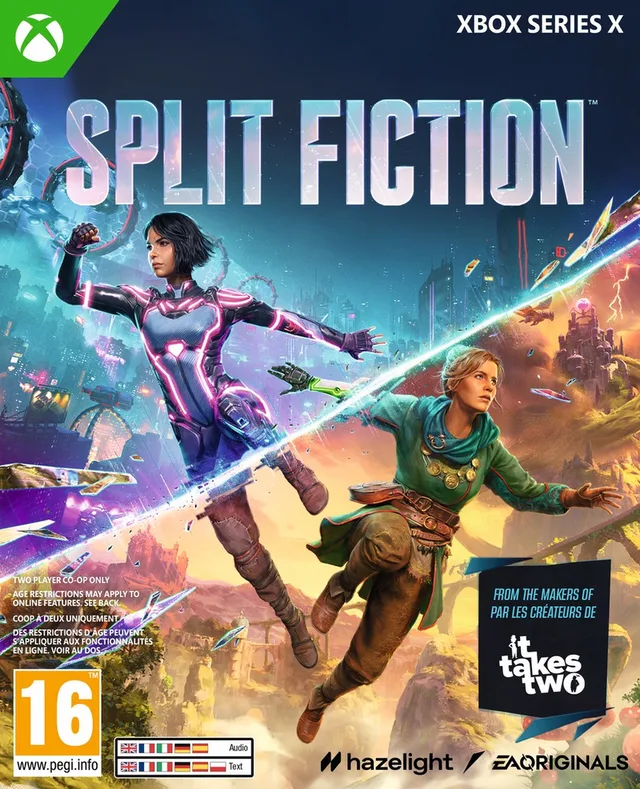
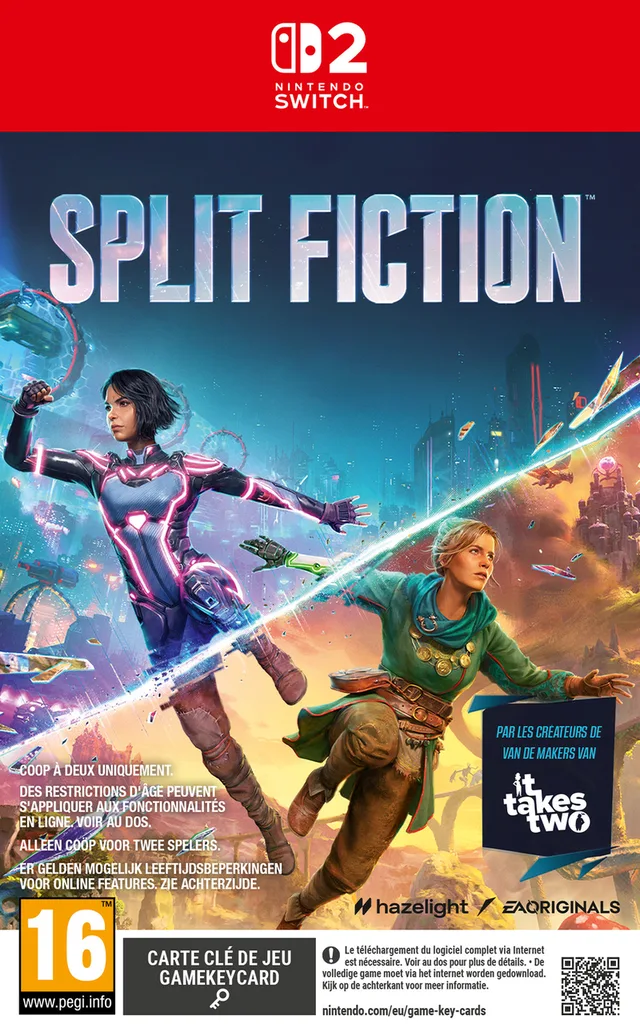
- Split Fiction, an adventure you can only play as a pair.
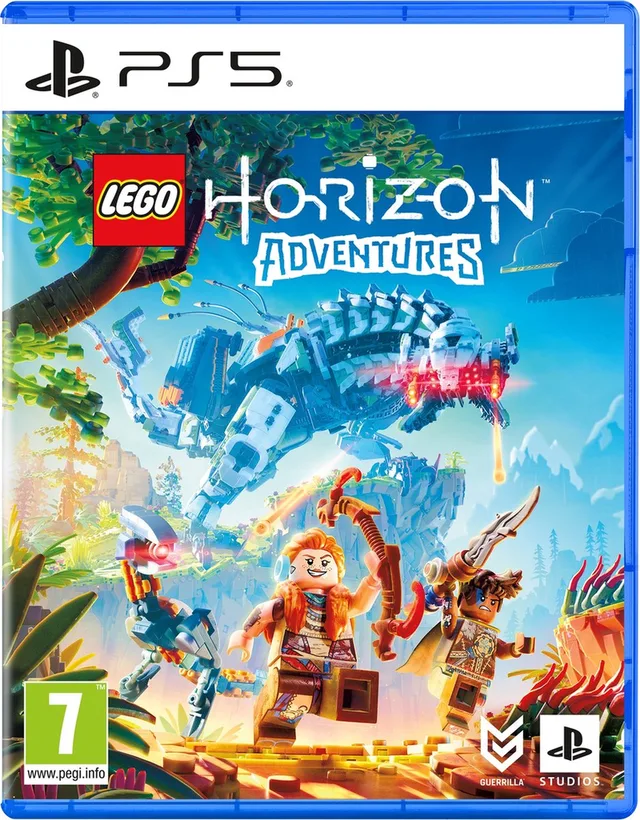
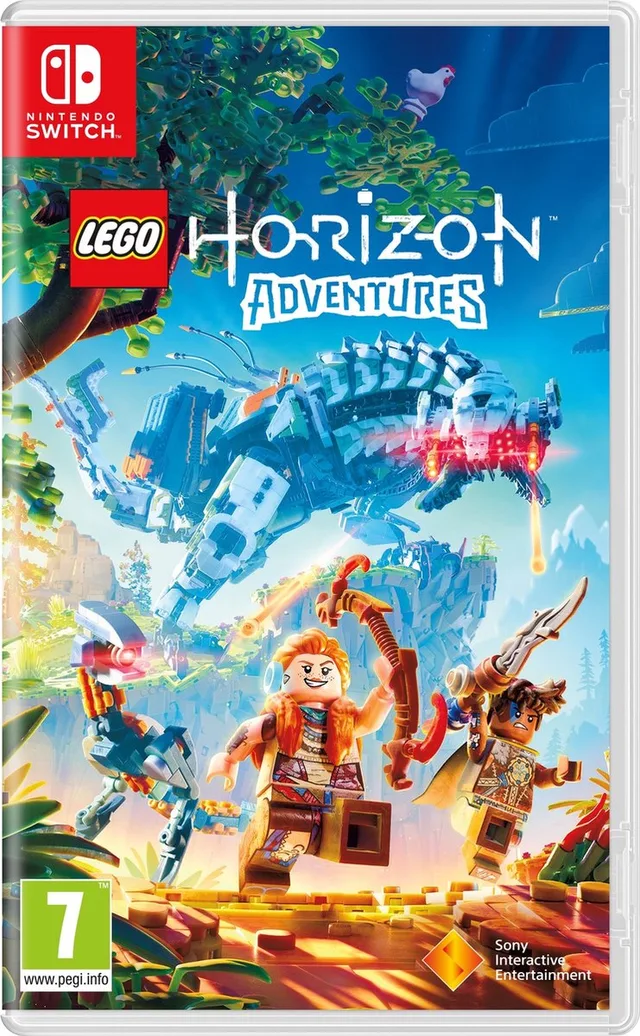
- LEGO Horizon Adventures, on several platforms.
Want to give something that is not out yet? Our pre-orders list games by release month. Check that the release date falls before the big day.
An extra controller
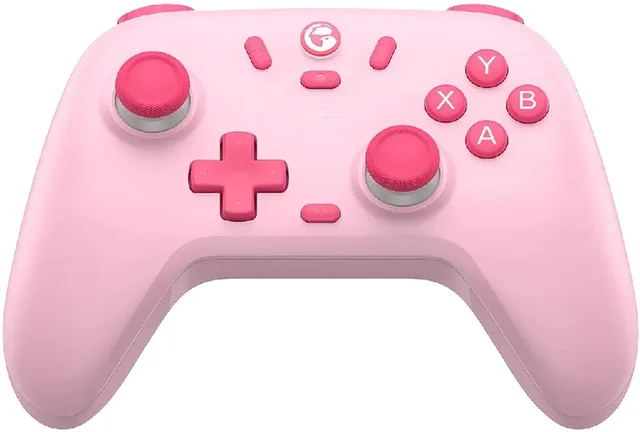
A second controller is handy for anyone who plays with others on one console. Pick one made for that console:
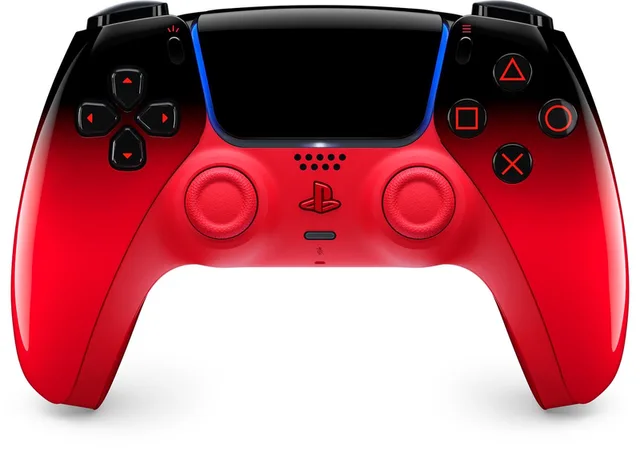
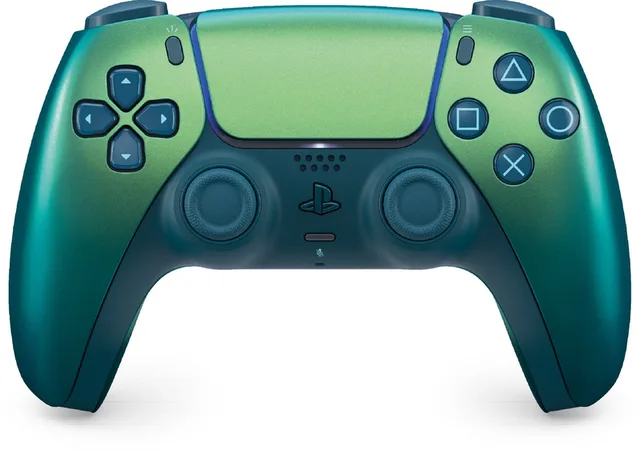
- the DualSense for PS5, in many colours;
- the Xbox Wireless Controller for Xbox Series, which also works on a Windows PC;
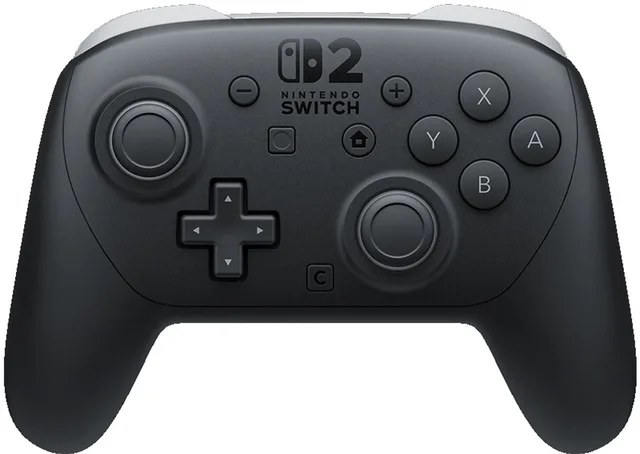
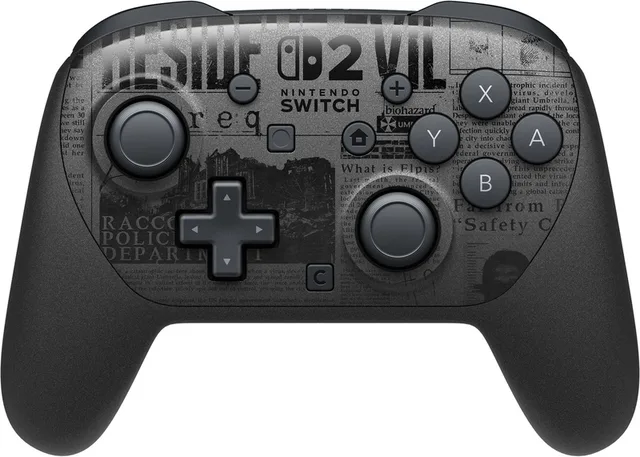
- the Switch 2 Pro Controller for Switch 2.
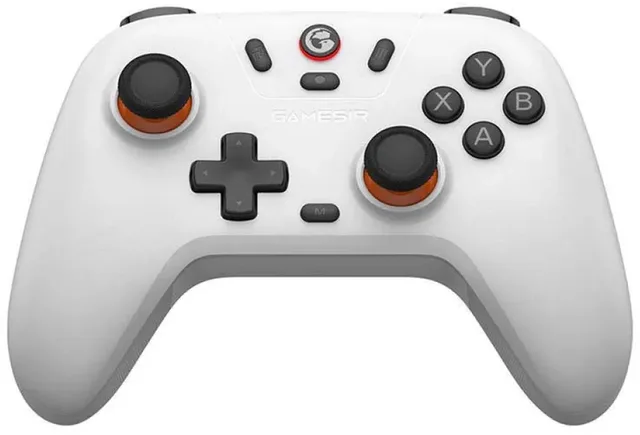
Brands such as 8BitDo, PowerA and GameSir make controllers too. Under all controllers you can filter by platform with "Works with". For racing fans, have a look at the racing wheels; they often work with certain consoles only.
A headset
A gaming headset is great for playing online with friends. Mind the connection:
- A wired headset with a 3.5 mm plug works through the controller on most consoles.
- A wireless headset with a USB receiver only works on the platforms the manufacturer lists. On Xbox in particular, a wireless headset has to be made for it.
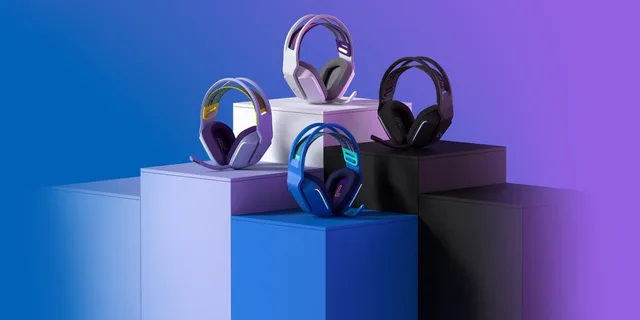
In headsets you can filter by platform. Models such as the Logitech G733 Lightspeed and the Logitech G Astro A30 for Xbox name their platforms in the product name.
Headsets
- Logitech G
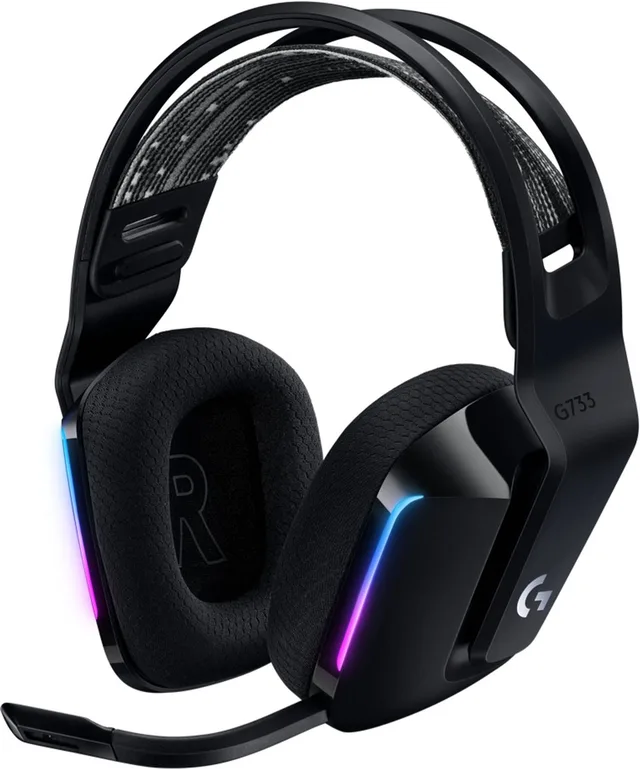
G733 LIGHTSPEED - Draadloze Gaming Headset - PS5/PS4 & PC
- Logitech G
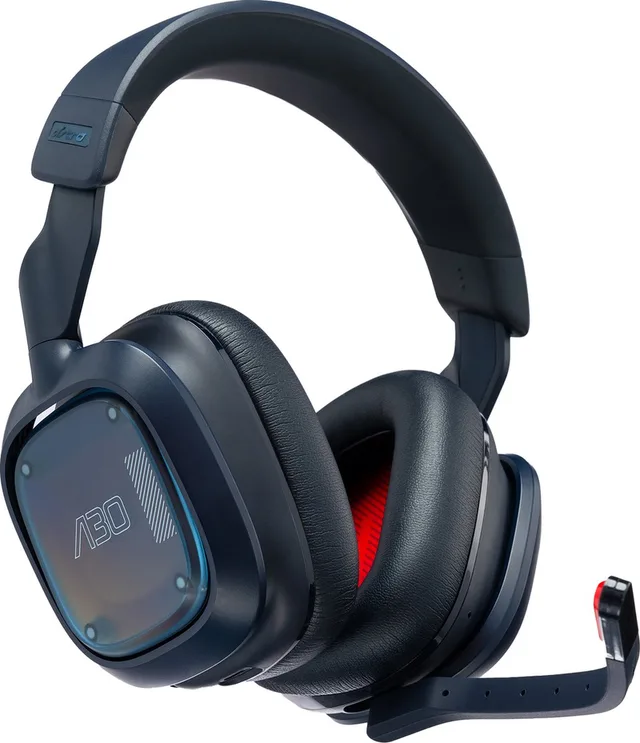
Astro A30 - Draadloze Gaming Headset - Bluetooth - Geschikt voor Xbox - Navy
- Razer
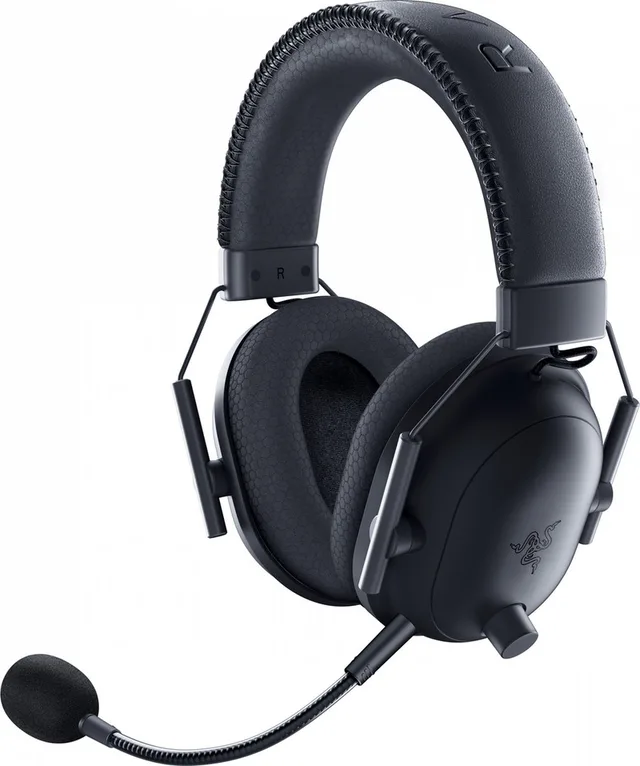
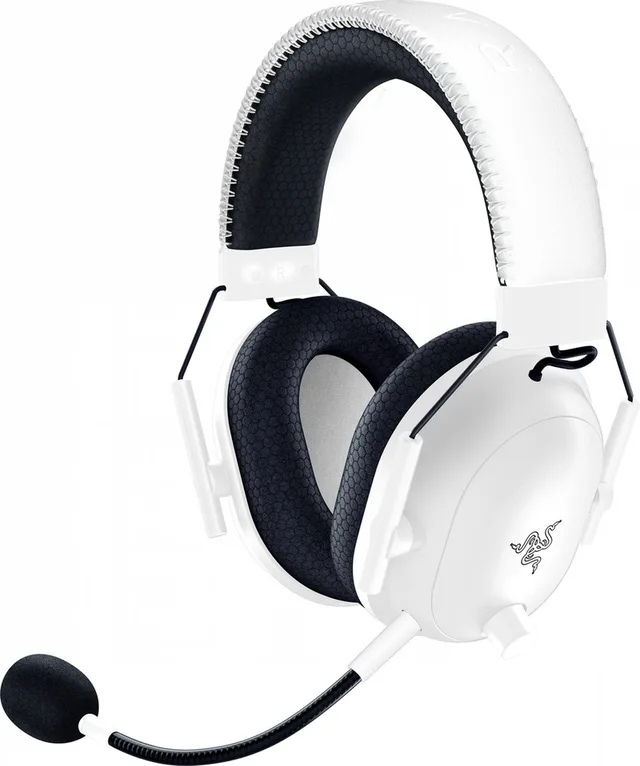
BlackShark V2 Pro
(2023) - Draadloze Gaming Headset - Bluetooth/2.4 GHz - PS5/PS4/PC - Logitech G
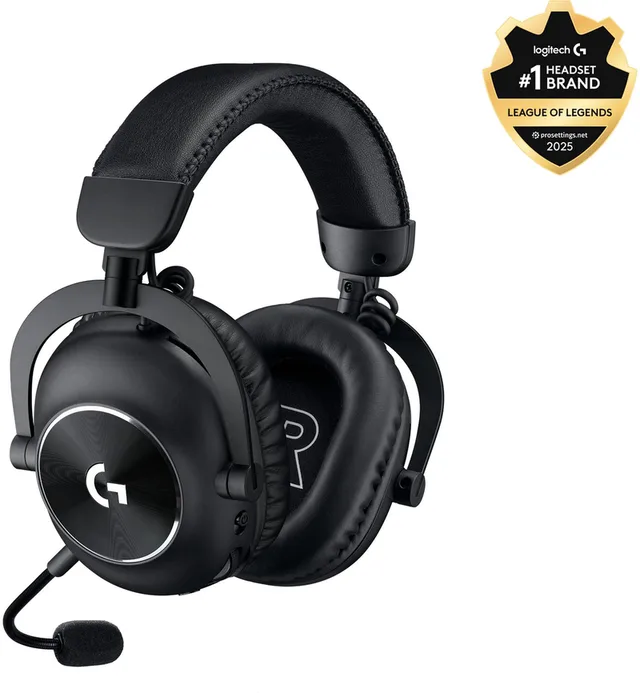
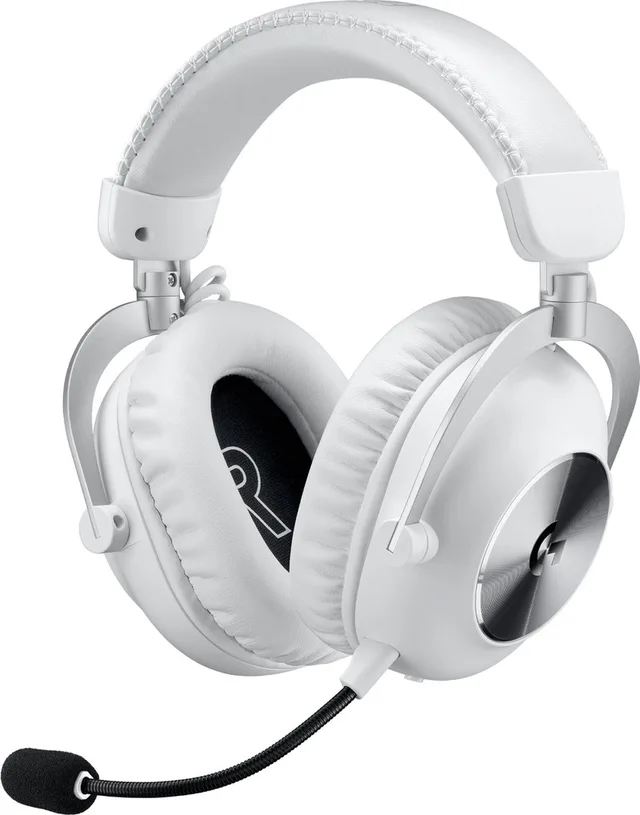
PRO X 2 Lightspeed - Draadloze Gaming Headset - PC, PlayStation
Small gifts and stocking fillers
For a small extra, or if you know little about games, something from a favourite game world or series works well:
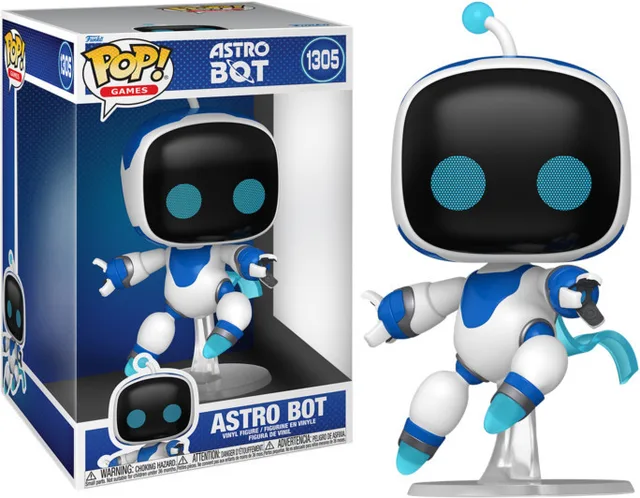
- Funko Pops from games, anime and films;
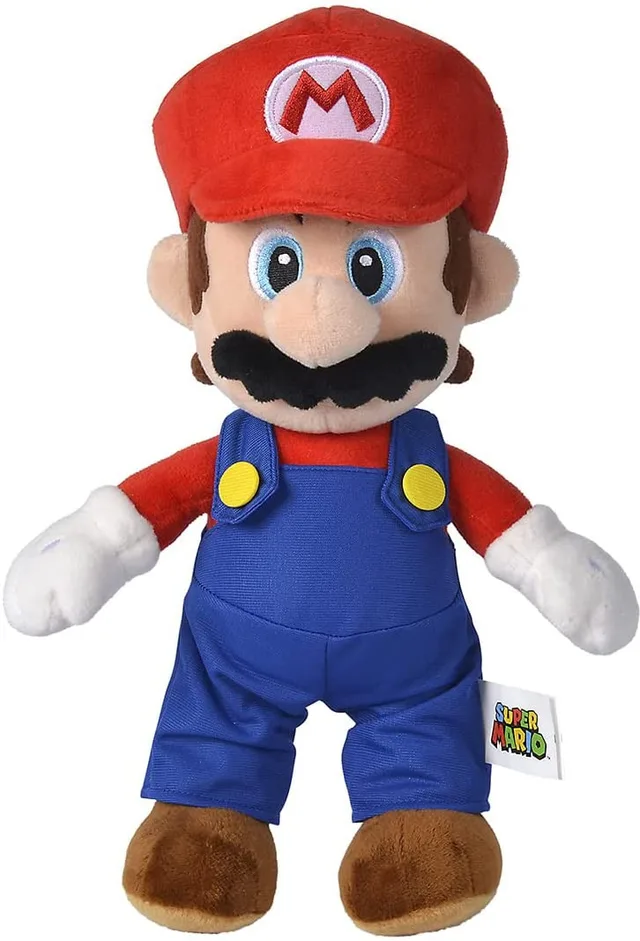
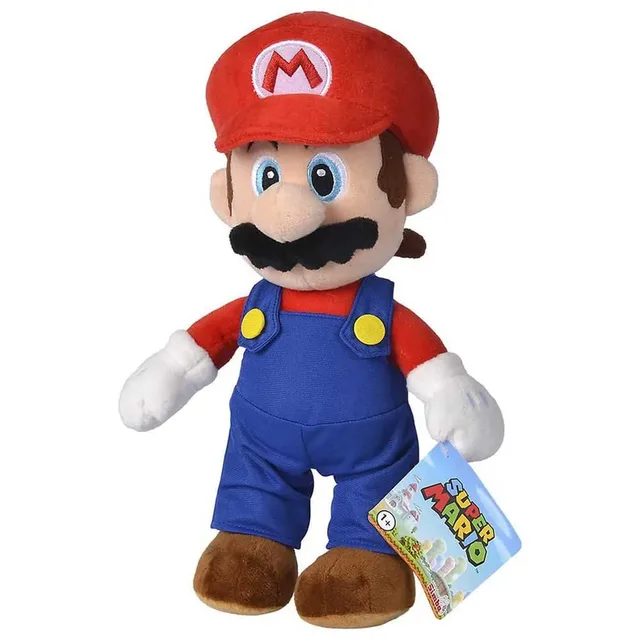
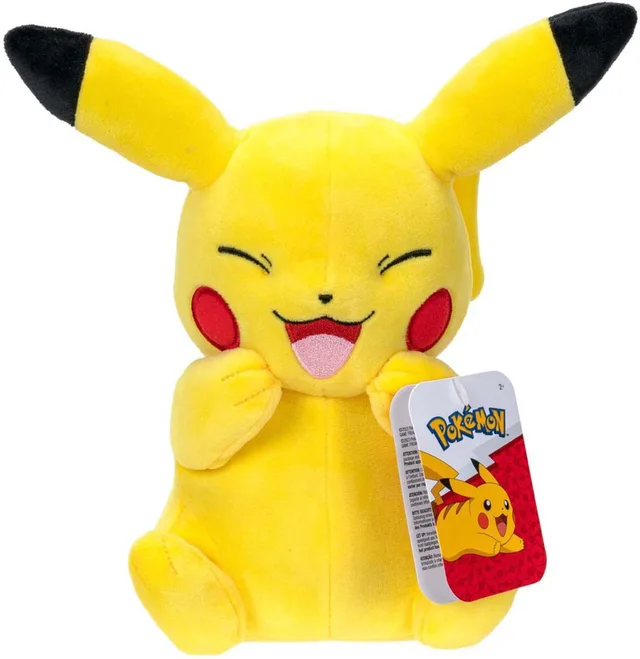
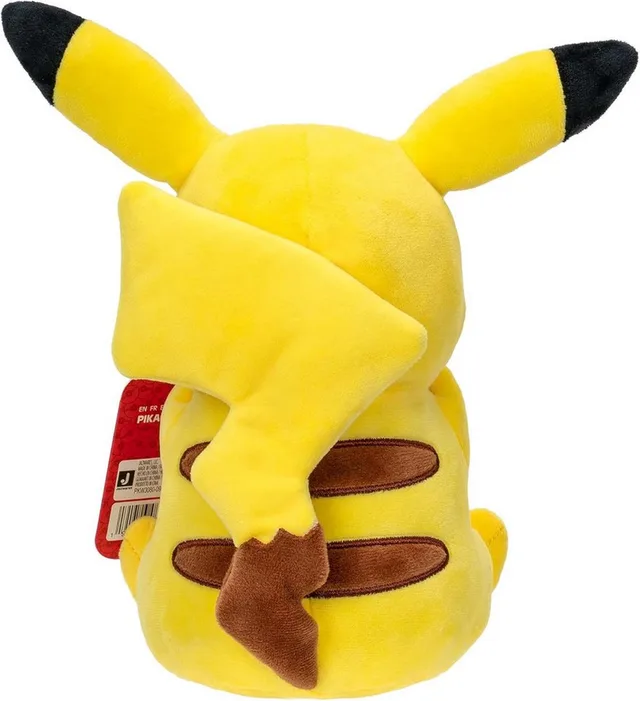
- plush toys of Pokémon or Mario, for example, like the 32 cm Mario plush;
- mugs, posters and lamps;
- a bigger mousepad for someone who plays on PC.

A console as the big present
If it is going to be a console, first choose between PlayStation, Xbox and Nintendo; friends often already play on one of them. Bundles with a game make a nice present, but compare them with the console and the game bought separately. Every model is under consoles.
Order in time
In the Netherlands, Sinterklaas presents are opened on 5 December; in Belgium Sinterklaas comes on 6 December. Christmas follows. Shops and couriers are busy in the weeks before, so check the shop's delivery time before you order. A pre-order only ships around its release date.
Frequently asked questions
What do you get a gamer who has everything?
Pick something they are unlikely to own twice: an extra or special-edition controller, a better mousepad, a Funko Pop from a favourite game or a plush. A headset or keyboard works too, as long as you know their platform.
Can I return a game if it is the wrong one?
When you buy online in the EU, you have 14 days to withdraw. That does not apply to software or games whose seal has been broken after delivery, so leave the wrapping on until you are sure it is the right version. Returns after that period depend on the shop.
Do Switch games work on Switch 2?
According to Nintendo, most Switch games also work on Switch 2. Not the other way round: a Switch 2 game will not play on the original Switch.
What does PEGI mean?
PEGI is the European age rating for games: 3, 7, 12, 16 or 18. It shows which age the content suits, with icons for things like violence or bad language. It says nothing about difficulty.
Does GameCrew sell games?
No. GameCrew compares shop prices for physical games, consoles and accessories. You buy from the shop you choose.
Keep browsing
GameCrew does not test products. This guide sums up what manufacturers and publishers state. Always check the manufacturer for the details.
More guides
- Buying a gaming PC: graphics card, processor and size Which gaming PC suits your screen and your desk? The graphics card, video memory, X3D processors, case size and upgrading explained. Read the guide
- Choosing a gaming monitor: resolution, Hz and panel Which gaming monitor suits your PC or console? Resolution, refresh rate, IPS, VA and OLED, and HDMI 2.1 explained. Read the guide
- Choosing a gaming keyboard: membrane or mechanical? Membrane or mechanical, which switch and which size: how to pick a gaming keyboard that suits your games and your desk. Read the guide