Choosing a gaming headset: wired, wireless and console
Wired or wireless, which headset works on your console and what to check for the microphone and comfort: how to choose a gaming headset.

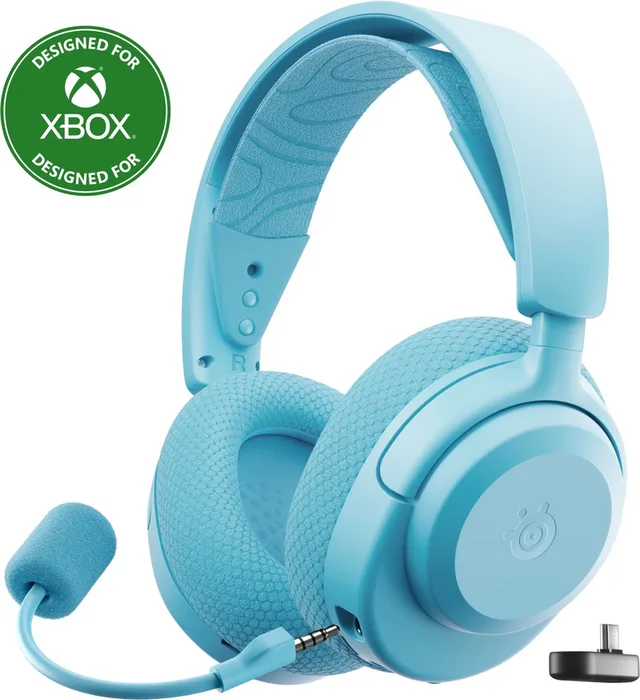
Short answer: First choose how the headset connects to your console. A wired headset with a 3.5 mm plug works almost everywhere, including in your controller. Wireless on PlayStation or PC usually goes through a USB receiver. For Xbox you need a headset made for Xbox, such as the SteelSeries Arctis Nova 3X. Then look at the microphone, comfort and battery life.
With a good headset you hear where footsteps come from and your teammates hear you clearly. Here is what to look for, with examples from our headsets.
Wired or wireless
- Cable with a 3.5 mm plug: the simplest choice. Plug it into your PlayStation or Xbox controller, a Switch or your PC. There is no battery, so it never runs flat. Examples are the Corsair HS35 and the HyperX Cloud III.
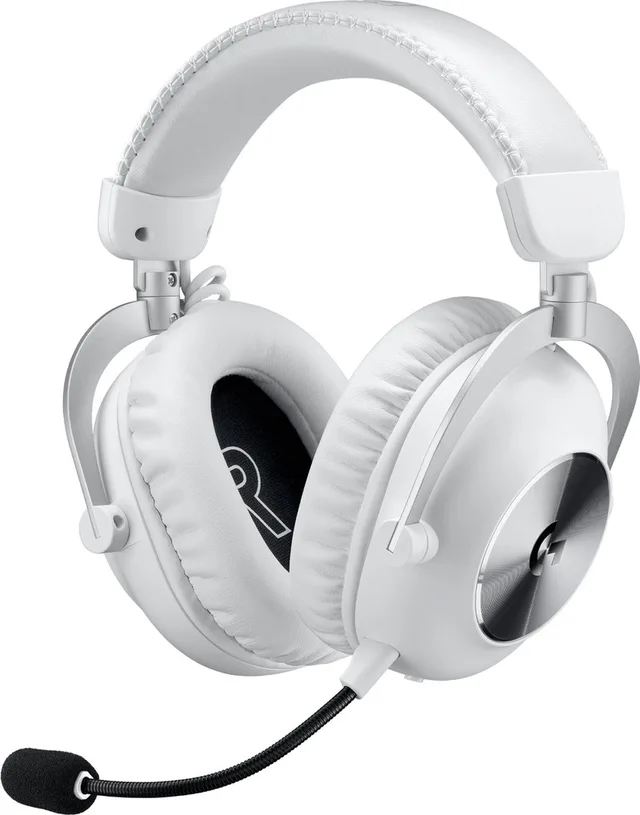
- Wireless with a USB receiver: a small receiver in your console or PC gives sound without noticeable delay. This works on PlayStation and PC. Examples are the Logitech G PRO X 2 Lightspeed and the HyperX Cloud Alpha 2 Wireless.
- Bluetooth: handy for your phone, but PlayStation 5 and Xbox do not support Bluetooth headsets. That is why many wireless headsets have both a receiver and Bluetooth.
Does the headset fit your console?
- PlayStation 5: most wired headsets and those with a USB receiver work. Sony makes the Pulse Elite.
- Xbox: wireless headsets must be made for Xbox, with ‘Xbox’ or ‘X’ in the name. Examples are the SteelSeries Arctis Nova 3X, the JBL Quantum 360X and the Razer BlackShark V2 Pro for Xbox. Wired into the controller, almost any headset works.
- Nintendo Switch and Switch 2: a headset with a 3.5 mm plug or a USB-C receiver.
- PC: almost anything works, wired, with a USB receiver or over Bluetooth.
Wireless headsets often come in a PlayStation and an Xbox version. Check the name to see which one you buy.
Headsets from this guide
- SteelSeries
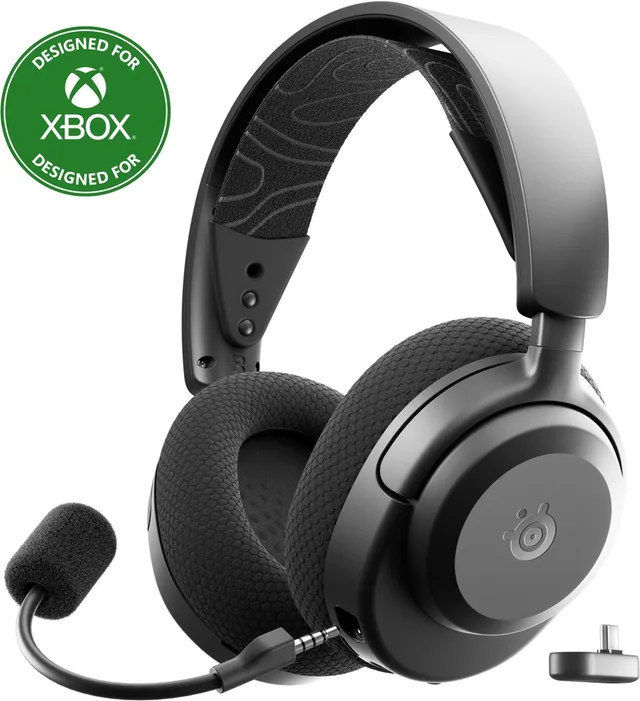
Arctis Nova 3X Wireless - Draadloze Gaming Headset - Xbox, PC, Switch
- HyperX
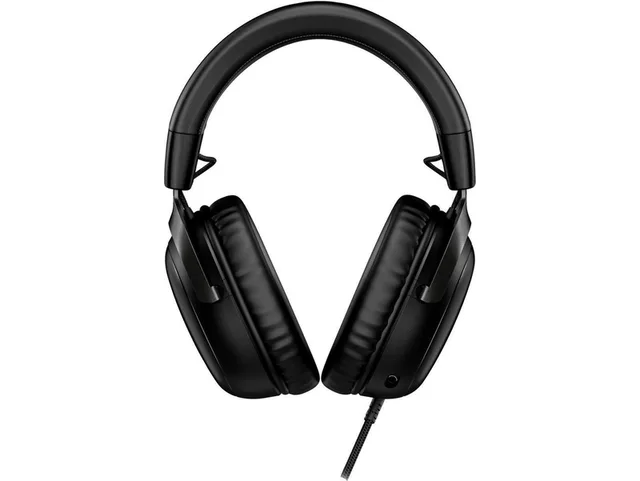
HyperX Cloud III Gaming Headset schwarz Headset
- Corsair
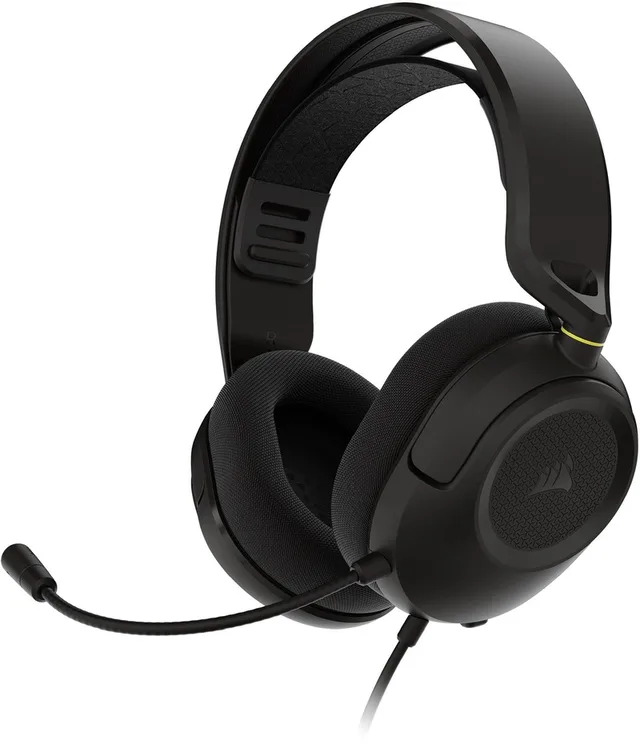
HS35 Stereo V3 - Multiplatform Gaming Headset - Black
- Logitech G
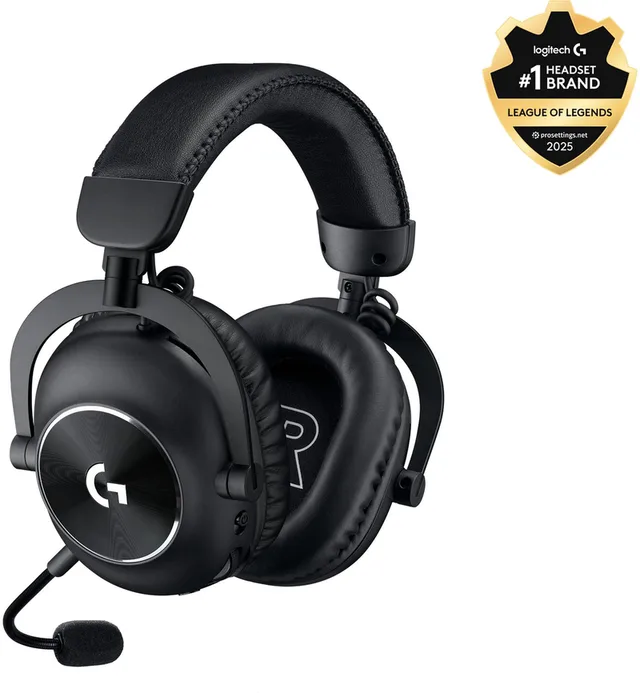
PRO X 2 Lightspeed - Draadloze Gaming Headset - PC, PlayStation
- Sony Interactive Entertainment
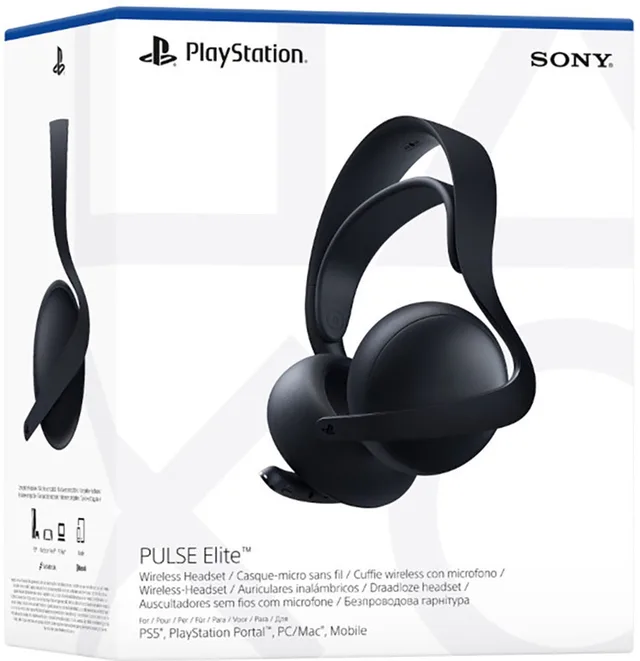
Pulse Elite - Draadloze Gaming Headset - PlayStation, Windows, Mobile
- HyperX
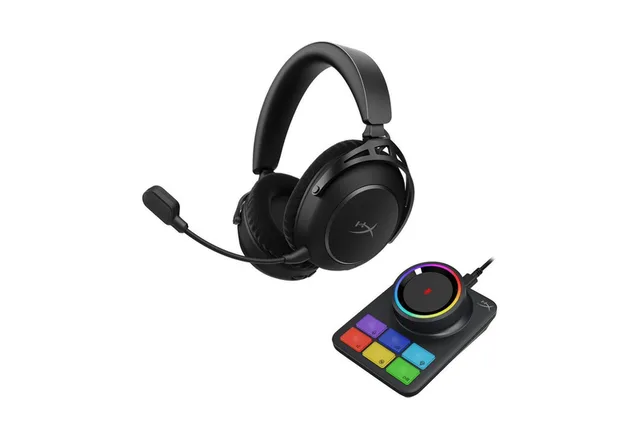
HyperX Cloud Alpha 2 Wireless Gaming Headset mit R Headset
Microphone
A microphone on a boom near your mouth picks you up better than one built into the ear cup. On many headsets you can detach the boom or flip it up to mute it. Streamers and big talkers also look at noise cancellation.
Comfort and sound
You often wear a headset for hours. Check the weight, the headband and the ear cushions: fabric stays cooler, faux leather seals better. Closed ear cups keep outside noise out, open ones sound more spacious but let more sound through.
Many headsets and consoles can make sound spatial, so you hear whether something comes from behind or from the side. On PS5 this is called Tempest 3D Audio; on Xbox and Windows there are Windows Sonic and Dolby Atmos. It works with a regular stereo headset too.
Earbuds
If you do not want a big headset, there are gaming earbuds with their own receiver, such as the SteelSeries Arctis GameBuds. They are smaller and handy on the go, but your microphone usually sounds less clear than with a boom.
Frequently asked questions
Does a Bluetooth headset work on PS5?
Not directly: the PS5 does not support Bluetooth headsets. Use a wired headset in the controller, or a wireless headset with a USB receiver.
Which wireless headset works on Xbox?
Only headsets made for Xbox, often with ‘Xbox’ or ‘X’ in the name. Wired into the controller, almost any headset works.
Can I use the same headset on my console and PC?
Usually yes. A wired headset works on both. With wireless headsets the USB receiver often works on PC too. Check the name for the devices it supports.
Which is better, wired or wireless?
Wired never needs charging and works almost everywhere. Wireless gives more freedom, especially if you sit further from the screen. Then pick one with a USB receiver for the least delay.
Do I need surround sound?
Not necessarily. The PS5, Xbox and Windows can create spatial sound themselves, even with a regular stereo headset.
Keep browsing
GameCrew does not test products. This guide sums up what manufacturers and publishers state. Always check the manufacturer for the details.
More guides
- Gifts for gamers: ideas for Sinterklaas and Christmas A game, a second controller, a headset or something small: how to choose a gift that fits the gamer's console. Read the guide
- Buying a gaming PC: graphics card, processor and size Which gaming PC suits your screen and your desk? The graphics card, video memory, X3D processors, case size and upgrading explained. Read the guide
- Choosing a gaming monitor: resolution, Hz and panel Which gaming monitor suits your PC or console? Resolution, refresh rate, IPS, VA and OLED, and HDMI 2.1 explained. Read the guide