Choosing a controller: PS5, Xbox, Switch 2 or PC
Official controller or another brand, Hall effect sticks against drift and pro controllers: how to choose a controller for your console or PC.

Short answer: For your console, the official controller is the safest choice: the DualSense for PS5, the Xbox Wireless Controller for Xbox and PC, and the Switch 2 Pro Controller for Switch 2. Brands such as 8BitDo and GameSir are often cheaper and sometimes have Hall effect sticks, which suffer less from drift. If you play competitively, look at a pro controller with buttons on the back.
You use a controller every day, so it pays to choose well. Here are the differences, with examples from our controllers.
Does the controller fit your console?
Controllers do not work on every console. Check the name for the platform a controller is made for:
- PlayStation 5: the DualSense has haptic feedback, so you feel in the controller what happens in the game, and adaptive triggers that press heavier or lighter. Not every game uses these features.
- Xbox: the Xbox Wireless Controller works on Xbox and straight away on a Windows PC. It runs on AA batteries by default; a rechargeable pack is sold separately.
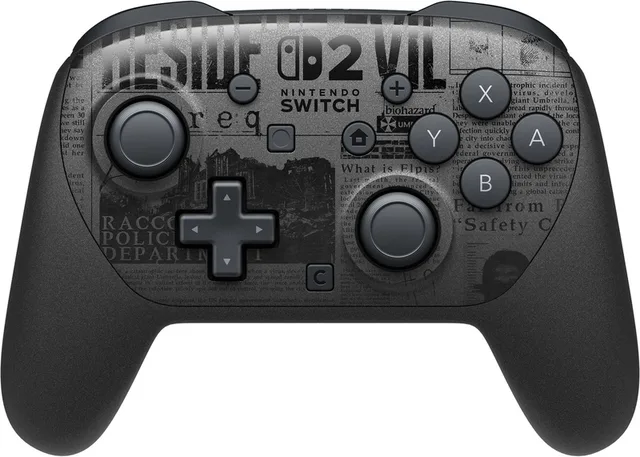
- Nintendo Switch 2: the Switch 2 comes with two Joy-Con 2 controllers. The Switch 2 Pro Controller is a bigger controller that sits better in the hand for long sessions, with two extra buttons on the back (GL and GR).
- PC: most controllers work on PC, including the DualSense. Xbox controllers have the widest support in Windows.
Brands besides the official controller
Brands such as 8BitDo and GameSir make controllers that are often cheaper and work on several devices:
- The 8BitDo Pro 3 works, according to its name, on Switch, Switch 2, PC, Mac, Android and iOS, over Bluetooth, a 2.4 GHz receiver or a cable.
- The 8BitDo Lite SE is a wireless controller for Xbox.
- The 8BitDo 64 is shaped like the old Nintendo 64 controller, for retro gamers.
- The GameSir Cyclone 2 works on Switch, Switch 2, PC and mobile, and the GameSir G7 is a wired controller for Xbox and Windows.
Stick drift and Hall effect sticks
Over time a controller’s sticks can ‘drift’: your character moves while you are not touching the stick. This usually happens because parts inside the stick wear out. Sticks with a Hall effect sensor measure the position with a magnet, without parts rubbing against each other, so they suffer less from drift. TMR sticks also work with a magnetic field. Examples are the GameSir Cyclone 2, the GameSir G7 and the Thrustmaster eSwap X2.
Controllers from this guide
- Sony Interactive Entertainment
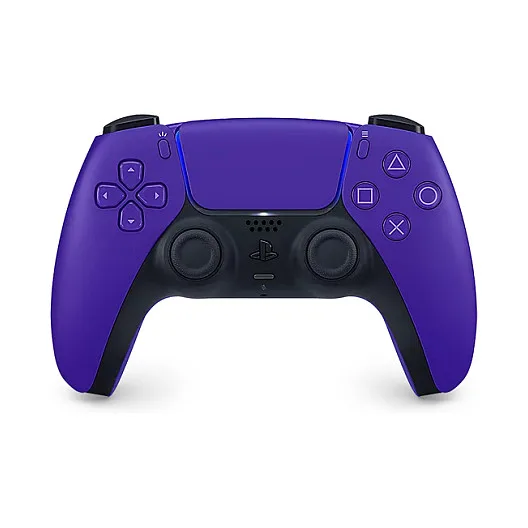
DualSense
- Xbox
Draadloos Controller - Wireless Controller - Microsoft Xbox Series X
- Nintendo
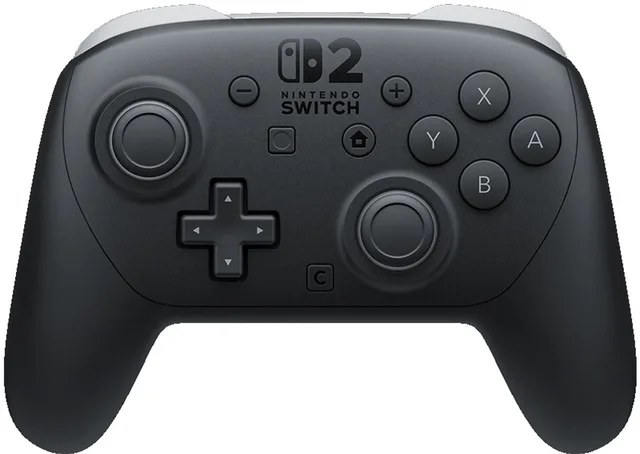
Switch 2 Pro Controller
- 8BitDo
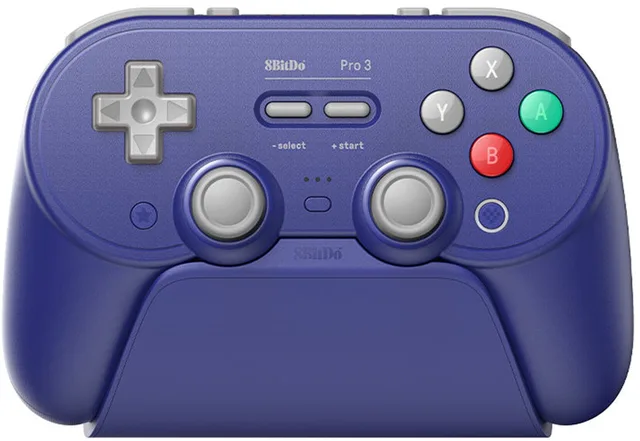
Pro 3 Bluetooth Controller
Draadloze Gamepad · Nintendo Switch / Switch 2 / PC / Mac / Android / iOS · Bluetooth & 2.4 GHz & USB - GameSir
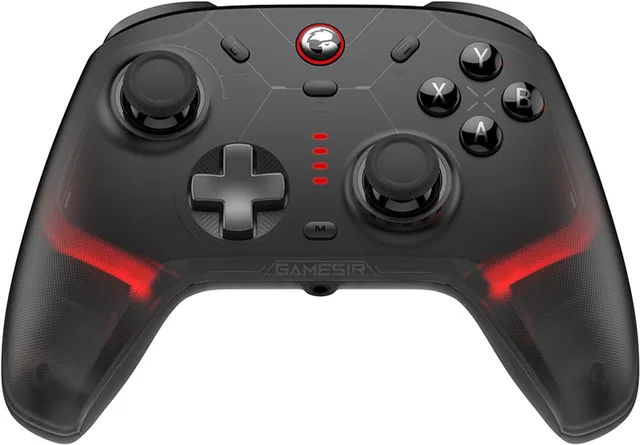
Cyclone 2 - Draadloze Controller - Hall Effect - Voor Switch/Switch 2/PC/Android/iOS
- GameSir
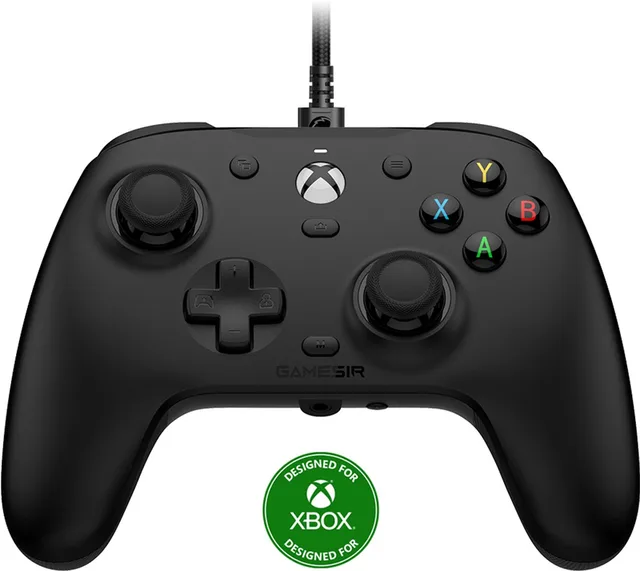
G7 - Bedrade controller - Hall Effect Sticks - Xbox Series X/S, Xbox One & Windows - Zwart
Pro controllers for competitive play
Pro controllers have extra buttons on the back that you press with your middle fingers, so your thumb can stay on the stick. Often you can also save profiles and adjust the sticks or triggers.
- The DualSense Edge for PS5 has back buttons and stick modules you replace yourself when they wear out.
- The Xbox Elite Series 2 has four paddles on the back, sticks with adjustable tension and a built-in battery.
- The Thrustmaster eSwap X2 for Xbox and PC has swappable modules.
Wireless, receiver or cable
Bluetooth is the easiest, but sometimes has a little more delay. A separate 2.4 GHz receiver is usually faster and more stable. A cable gives the least delay and never needs charging. Some controllers also state a polling rate: how often per second the controller reports its state. The GameSir G7 Pro, for example, states 8000 Hz.
Frequently asked questions
Does a PS5 controller work on PC?
Yes, the DualSense works on PC, with a cable or over Bluetooth. Haptic feedback and adaptive triggers only work in games that support them.
What is stick drift?
Your character or camera moves while you are not touching the stick. It usually comes from wear inside the stick. Sticks with a Hall effect sensor suffer less from it.
Does an Xbox controller need batteries?
The regular Xbox Wireless Controller runs on two AA batteries, or on a rechargeable pack sold separately. The Xbox Elite Series 2 has a built-in battery.
Is an 8BitDo or GameSir controller good enough?
They are often cheaper and work on more devices. Some features of the official controller, such as the DualSense’s haptic feedback, they do not have. Check the name for the consoles a controller is made for.
What is the difference between the Joy-Con 2 and the Switch 2 Pro Controller?
The Joy-Con 2 come with the Switch 2 and can be used apart or together. The Pro Controller is one bigger controller that is more comfortable for long sessions.
Keep browsing
GameCrew does not test products. This guide sums up what manufacturers and publishers state. Always check the manufacturer for the details.
Products from this guide
Popular products with a current shop price. Compare the prices on the product page.
- Razer
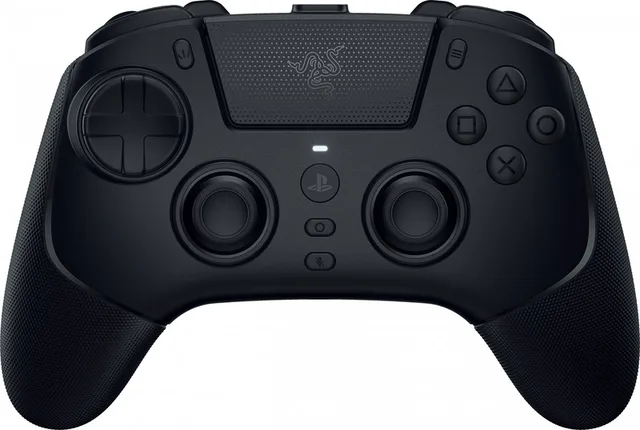
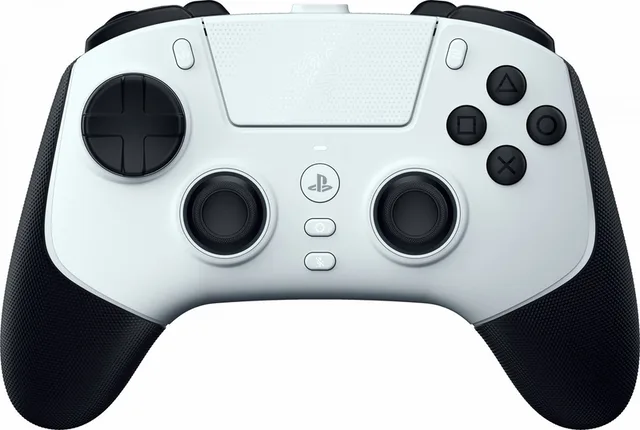
Raiju V3 Pro - Draadloze Gaming Controller voor PS5 & PC
From €209.99 · 2 offers
- Razer
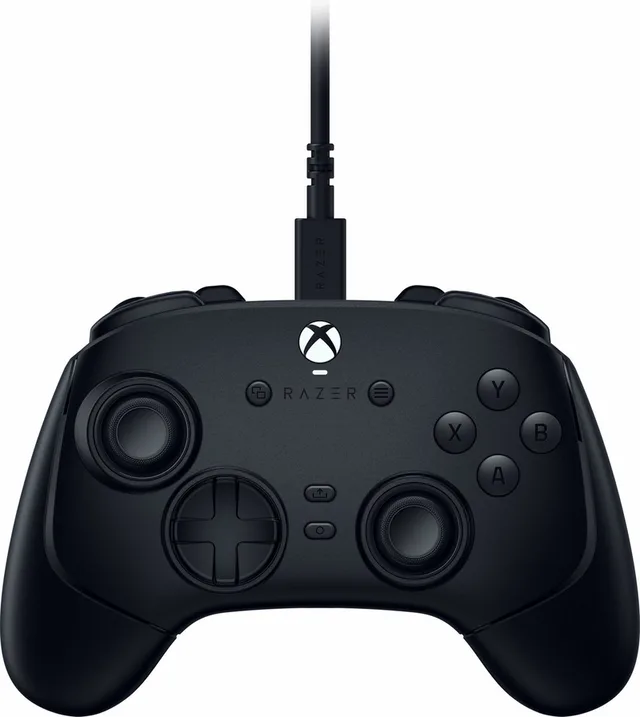
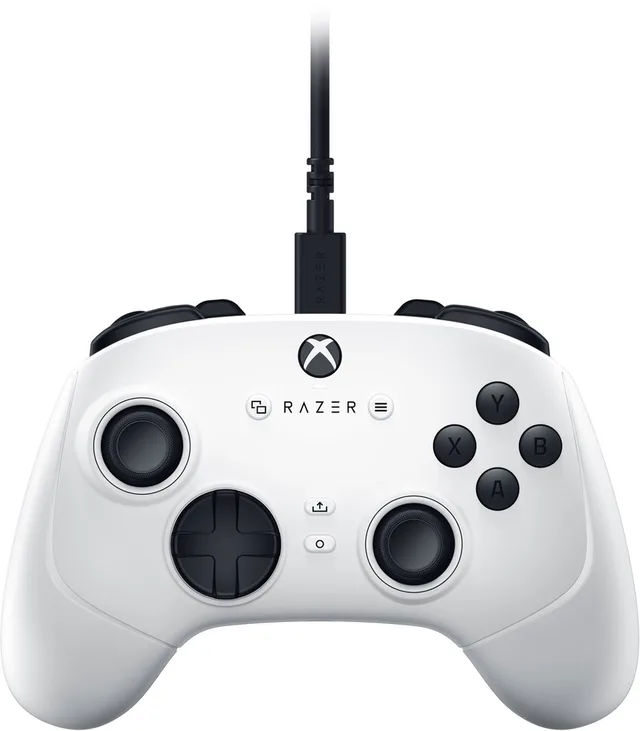
Wolverine V3 Tournament Editie - Bedrade Controller - Programmeerbaar - Xbox/PC
From €109.99 · 2 offers
- Razer
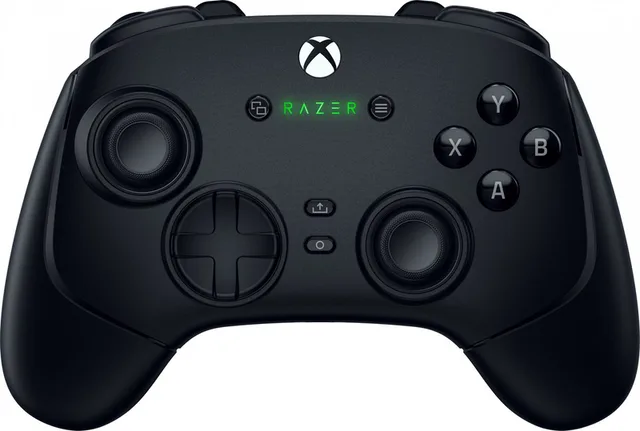
Wolverine V3 Pro - Draadloze Controller - Programmeerbaar - Backpaddles - Xbox/PC
€219.99 · 1 offer
- Razer
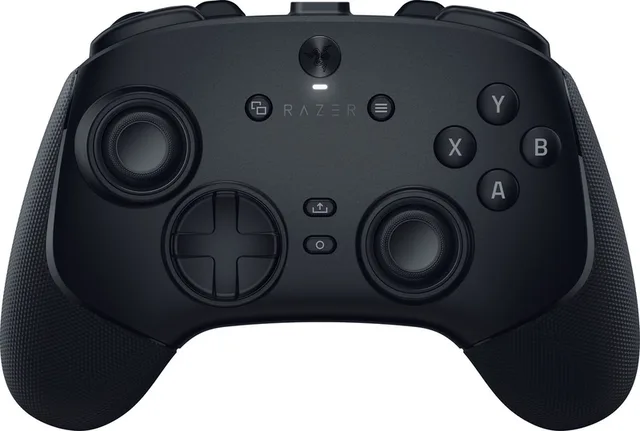
Wolverine V3 Pro - Draadloze Gaming Controller - Programmeerbare Knoppen - PC
€199.99 · 1 offer
- Razer
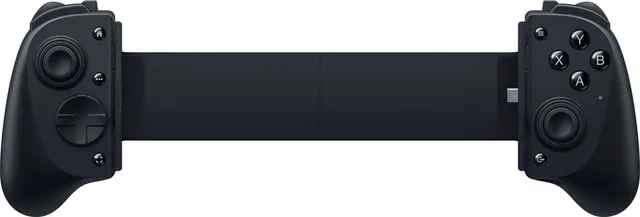
Kishi - Gaming Controller voor iPad & Android Tablets - USB-C - Zwart
€229.99 · 1 offer
- Razer
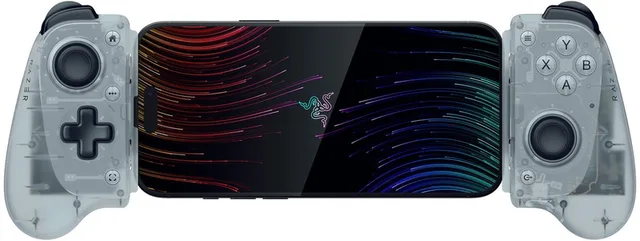
Kishi V3 - Gaming Controller voor iPhone, Android en PC - USB-C - Phantom White Edition
€119.99 · 1 offer
- Razer
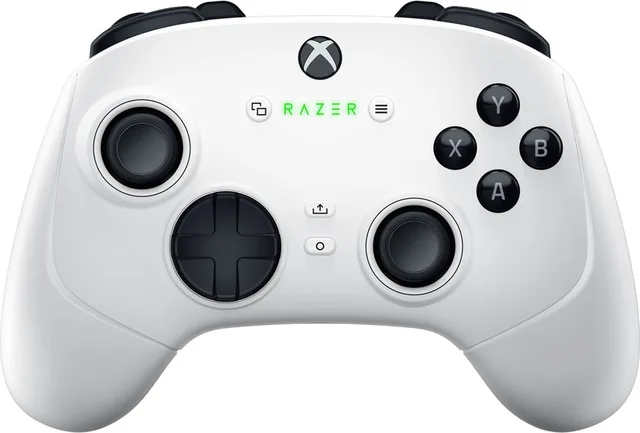
Wolverine V3 Pro - Draadloze Gaming Controller - Programmeerbare Knoppen - Xbox/PC - Zwart
€219.99 · 1 offer
- Razer
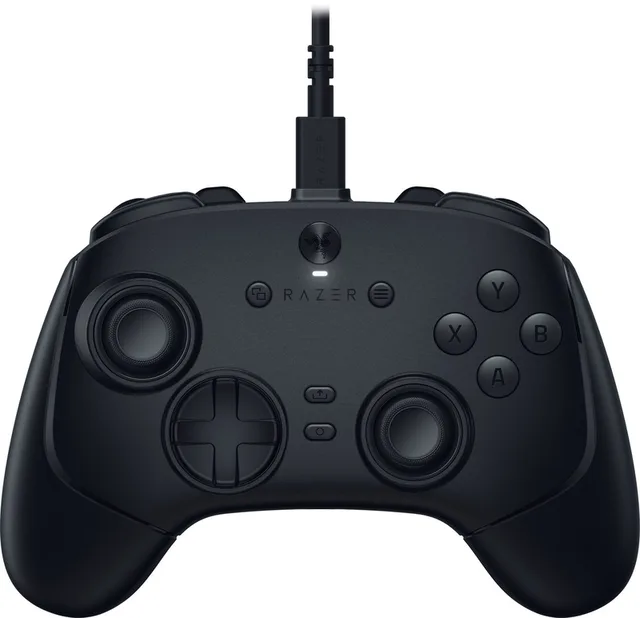
Wolverine V3 Tournament Edition - Bedrade Gaming Controller - 18 Knoppen - PC
€99.99 · 1 offer
More guides
- Gifts for gamers: ideas for Sinterklaas and Christmas A game, a second controller, a headset or something small: how to choose a gift that fits the gamer's console. Read the guide
- Choosing a gaming keyboard: membrane or mechanical? Membrane or mechanical, which switch and which size: how to pick a gaming keyboard that suits your games and your desk. Read the guide
- Choosing a gaming chair: what to look for Size, adjustment and cover: how to choose a gaming chair you sit well on every day, and when a racing seat fits better. Read the guide